
TL;DR
Choose Voicy if you want daily dictation across Mac, Windows, Linux, browser extension, iPhone, and Android, plus file upload transcription.
Choose Voibe if local or offline Mac dictation is the hard requirement, especially on an Apple Silicon Mac.
Voibe is cheaper on sticker price: its public pricing lists $7.50/month, $59/year, and $149 lifetime. Voicy costs $8.49/month, $82/year, and $260 lifetime.
Voicy wins on workflow breadth: it covers more platforms and handles uploaded audio/video files inside the same product.
If you are comparing Voicy vs Voibe, the real question is privacy-first local dictation versus broad, cross-platform daily dictation. Voibe has the stronger local/offline story on Apple Silicon Macs. Voicy is the better fit when your work moves between desktop, browser, mobile, Linux, and uploaded files.
Answer-First Verdict
Voibe is better if you need dictation that can run fully on device and offline on an Apple Silicon Mac. Voicy is better if you need one speech-to-text tool across Mac, Windows, Linux, browser, iOS, Android, and file transcription.
Voicy is cloud-based, so it is not the right choice for a strict local-only policy. But most people are not only choosing a privacy model. They are choosing where they can dictate: Gmail, Notion, Slack, docs, browser forms, mobile, desktop, and recorded files. That is where Voicy has the wider lane.
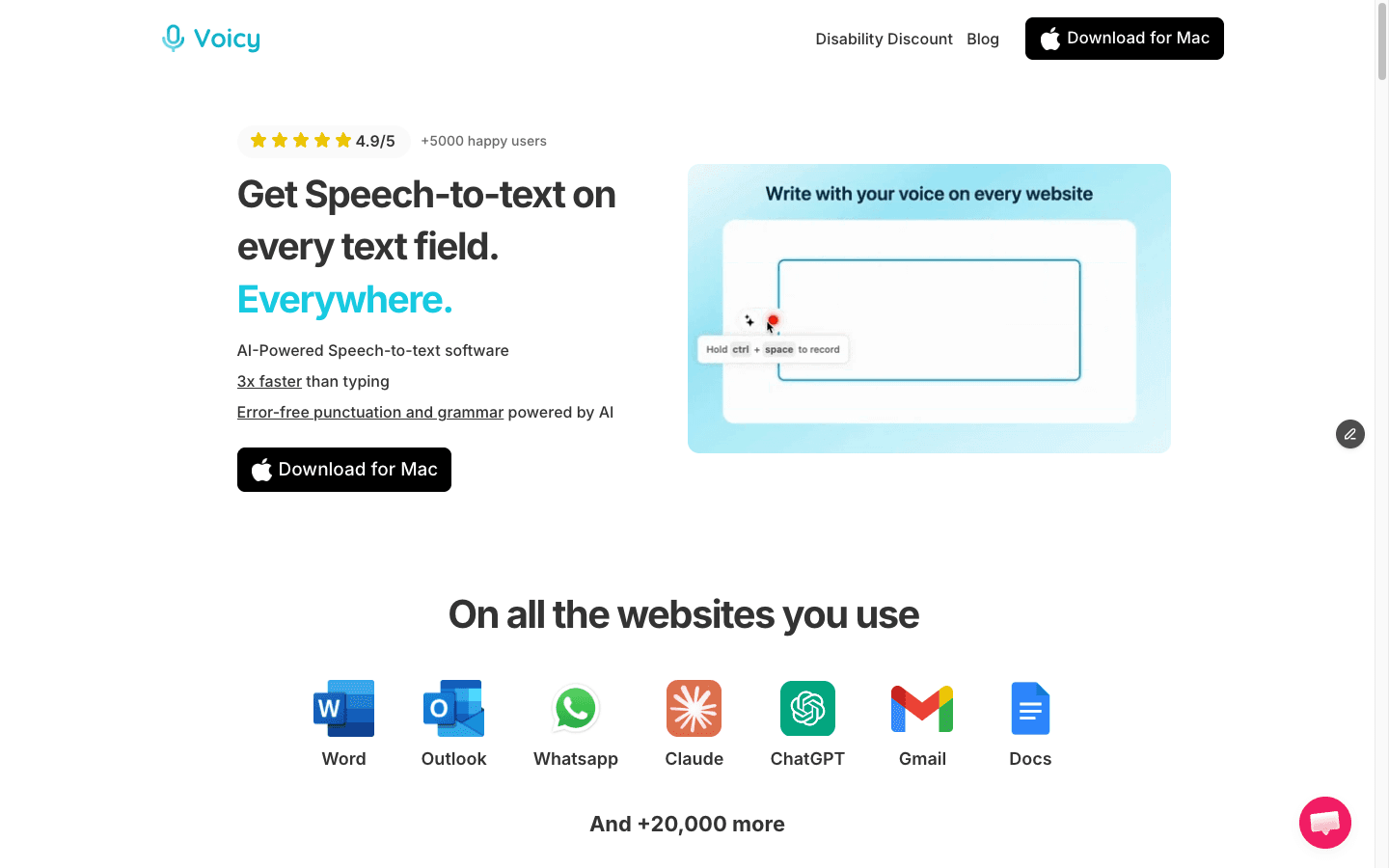
Voicy is built for everyday speech-to-text across work apps, devices, and uploaded files.
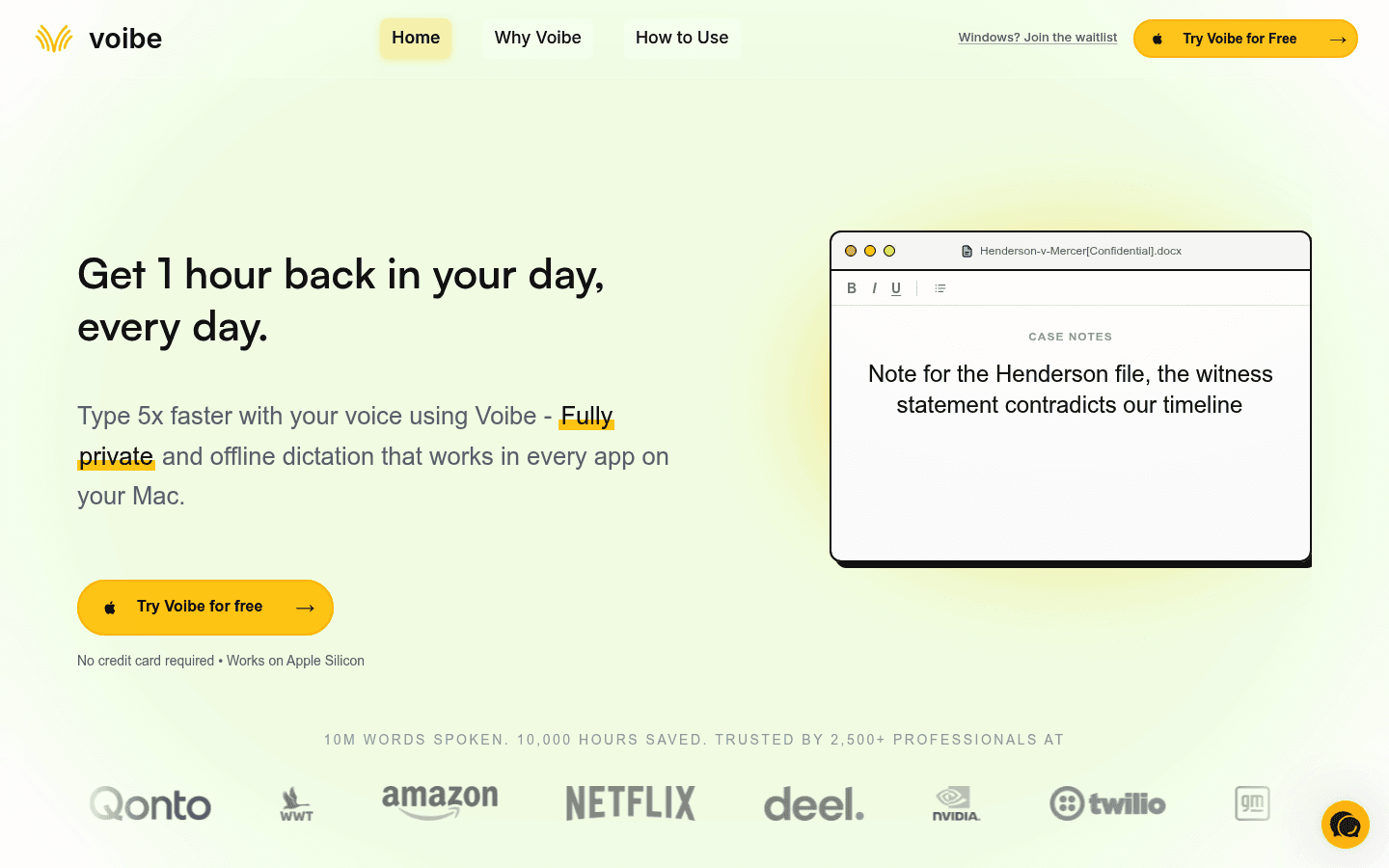
Voibe is built around fast, private dictation, with on-device Mac mode and zero-retention cloud mode.
Voicy vs Voibe at a Glance
Category | Voicy | Voibe | Winner |
|---|---|---|---|
Best for | People who want live dictation and file transcription across work apps and devices. | People who want private dictation, especially local/offline dictation on Apple Silicon Macs. | Voicy for breadth. Voibe for local Mac privacy. |
Platforms | Mac, Windows, Linux, browser extension, iPhone, and Android. | Mac and Windows. Voibe says fully on-device offline mode is Mac-only on Apple Silicon; Windows uses zero-retention cloud mode. | Voicy. |
Offline dictation | No. Voicy uses cloud-based transcription. | Yes on Apple Silicon Mac in on-device mode. Windows requires internet for zero-retention cloud mode. | Voibe. |
File transcription | Yes. Voicy supports file upload transcription. | Voibe has a separate Transcription API for uploaded audio. Its desktop app pages are mainly positioned around live dictation. | Voicy for normal users. Voibe API for developers. |
Pricing | $8.49/month, $82/year, or $260 lifetime. Free trial only. | $7.50/month, $59/year, or $149 lifetime. 7-day free trial listed. | Voibe on price. |
Developer workflow | Useful anywhere you can type, including coding chats and browser tools. | Public pages emphasize Developer Mode for Cursor, VS Code, Windsurf, file names, paths, and jargon. | Voibe for code-heavy users. |
Privacy posture | Cloud transcription. Do not choose it for a local-only requirement. | On-device mode on Apple Silicon Mac, plus zero-retention cloud mode on Windows, Intel Mac, and optional cloud use. | Voibe. |
What Is Voicy?
Voicy is a speech-to-text app for people who write a lot during normal work. It supports Mac, Windows, Linux, browser extension use, iPhone, and Android. It also supports file upload transcription, so you can turn recordings into text without switching tools.
Voicy is cloud-based. That is a tradeoff. You get broad platform coverage and a simple workflow across devices, but you do not get local-only transcription.
Voicy pricing is simple: $8.49 per month, $82 per year, or $260 lifetime. There is a free trial, but Voicy is not a fully free product.
What Is Voibe?
Voibe is a private dictation app for Mac and Windows. Its live homepage says it works in every app on your Mac or PC, with push-to-talk and hands-free dictation.
Voibe's strongest difference is processing choice. On Apple Silicon Macs, Voibe says on-device mode can transcribe locally and offline. On Windows and Intel Macs, its privacy policy says Voibe uses zero-retention cloud mode.
Voibe also has a strong developer angle. Its public pages mention Cursor, VS Code, Windsurf, workspace context, file names, folder paths, variable names, custom vocabulary, and technical jargon.
When Voicy Is the Better Choice
Voicy is the better choice when your dictation has to follow you across devices and work apps. If you write on a Mac at home, a Windows machine at work, a browser during the day, and your phone between meetings, Voicy is easier to standardize around.
Voicy is also the better pick if recordings are part of your week. A lot of speech-to-text work is not live dictation. It is voice notes, client calls, short videos, interviews, lectures, and meeting recordings that need to become text later.
Good Voicy use cases include:
Dictating emails in Gmail or Outlook.
Writing in browser apps like Notion, Linear, Google Docs, or ChatGPT.
Using speech-to-text on Mac, Windows, Linux, iPhone, and Android.
Uploading audio or video files for transcription.
Reducing typing strain without learning a technical local-model setup.
When Voibe Is the Better Choice
Voibe is the better choice when privacy architecture is the main buying reason. If you have an Apple Silicon Mac and need dictation that can work offline with audio staying on your device, Voibe is the clearer fit.
It is also strong for developers who spend a lot of time in coding tools. Voibe's public product copy is unusually direct about developer dictation, code editors, file paths, variable names, and repo jargon.
Choose Voibe if you specifically want:
Offline, on-device dictation on Apple Silicon Mac.
A lower lifetime price than Voicy.
Zero-retention cloud mode when local mode is not available or not chosen.
Developer Mode for coding tools and technical vocabulary.
Mac and Windows dictation without needing mobile apps.
Pricing and Value Math
Voibe wins the direct price comparison. Voicy wins only if its extra platform coverage or file transcription saves you from paying for another tool.
Scenario | Voicy | Voibe | Difference |
|---|---|---|---|
Monthly | $8.49/month | $7.50/month | Voibe is $0.99/month cheaper. |
Annual | $82/year | $59/year | Voibe is $23/year cheaper. |
Three years on annual plans | $246 | $177 | Voibe is $69 cheaper. |
Lifetime | $260 one-time | $149 one-time | Voibe is $111 cheaper. |
Value caveat | Broader platform coverage and file uploads can replace extra tools. | Lower price and stronger local Mac privacy. | Depends on your workflow. |
Privacy, Cloud, and Offline Processing
This is the sharpest difference in the comparison. Voicy uses cloud-based transcription. That makes it practical across more platforms, but it means Voicy should not be chosen for a strict local-only or offline requirement.
Voibe's privacy policy says on-device mode processes voice entirely on your device with no audio sent to Voibe servers. It also says zero-retention cloud mode is used on Windows, Intel Macs, and by choice on Apple Silicon Macs, with audio deleted after transcription.
For confidential work, this means the honest answer is simple. Choose Voibe when local/offline processing is mandatory. Choose Voicy when cloud processing is acceptable and you care more about device coverage, work-app coverage, and uploaded file transcription.
File Transcription: Where Voicy Has the Cleaner User Workflow
Voicy supports file upload transcription in addition to live dictation. That matters if you switch between talking into apps and turning existing recordings into text.
Voibe now has a separate Speech to Text API. Its privacy policy says API audio is sent by design, deleted after transcription, and transcripts are retained against the account until deletion. That is useful for developers, but it is a different buying case from a normal desktop dictation app.
If you are a non-technical user with files to transcribe, Voicy is the clearer pick. If you are building a product around transcription jobs, Voibe's API may be worth evaluating separately.
Use-Case Verdicts
Best for Mac-only offline dictation
Voibe wins. Its on-device mode on Apple Silicon Macs is the key feature here. Voicy is cloud-based, so it does not compete for this requirement.
Best for Windows dictation
Voicy wins if you want Windows plus browser, Linux, mobile, and file transcription in one account. Voibe is now a real Windows option too, but its own FAQ says Windows uses zero-retention cloud mode and does not support fully on-device offline mode yet.
Best for Linux users
Voicy wins. Voicy supports Linux. Voibe's checked public pages mention Mac and Windows, not Linux.
Best for mobile dictation
Voicy wins. Voicy supports iPhone and Android. The checked Voibe pages focus on Mac and Windows.
Best for developers
Voibe may be the better fit if your main use case is dictating in Cursor, VS Code, Windsurf, and code-heavy workflows. Voicy still works anywhere you can type, but Voibe talks more directly to developer dictation.
Related Comparisons
Final Verdict
Choose Voibe if you need offline, on-device dictation on an Apple Silicon Mac, want the lower lifetime price, or spend most of your time dictating into developer tools. Voibe has earned that lane.
Choose Voicy if you want one dictation and transcription tool across more places: Mac, Windows, Linux, browser, iPhone, Android, and uploaded files. For most cross-platform professionals, that broader coverage matters more than saving $23 a year.
FAQs
Is Voicy better than Voibe?
Voicy is better if you need cross-platform dictation, browser coverage, mobile support, Linux support, and file upload transcription. Voibe is better if local/offline Mac dictation is your top requirement.
Is Voibe better than Voicy?
Voibe is better for Apple Silicon Mac users who need on-device dictation and for buyers who want lower pricing. It is not better if you need Linux, iPhone, Android, browser extension coverage, or simple file upload transcription in the same product.
Does Voicy work offline?
No. Voicy uses cloud-based transcription. If offline dictation is mandatory, Voibe's on-device Mac mode is a better fit.
Does Voibe work offline?
Yes, but only in its on-device mode on Apple Silicon Macs based on Voibe's public pages. Voibe says Windows uses zero-retention cloud mode and needs an internet connection.
Which is cheaper, Voicy or Voibe?
Voibe is cheaper on public pricing. Voibe lists $7.50/month, $59/year, and $149 lifetime. Voicy costs $8.49/month, $82/year, and $260 lifetime.
Does Voicy support file transcription?
Yes. Voicy supports file upload transcription in addition to live dictation.
Does Voibe support file transcription?
Voibe has a separate Speech to Text API for uploaded audio. Its desktop app pages are mainly positioned around live dictation, not normal user file uploads.
Which app is better for privacy?
Voibe is better for strict privacy requirements because it offers on-device Mac transcription and zero-retention cloud mode. Voicy is cloud-based, so it is better when cloud processing is acceptable and platform coverage matters more.
Which app is better for Windows?
Voicy is better if you want Windows plus Linux, browser, iPhone, Android, and file transcription. Voibe also supports Windows, but Voibe says Windows uses zero-retention cloud mode rather than offline on-device processing.
What is the best Voibe alternative?
Voicy is a strong Voibe alternative if you want broader platform support and file upload transcription. It is not the right alternative if your main reason for using Voibe is fully local/offline Mac transcription.