How is Voicy different from Google's voice typing?
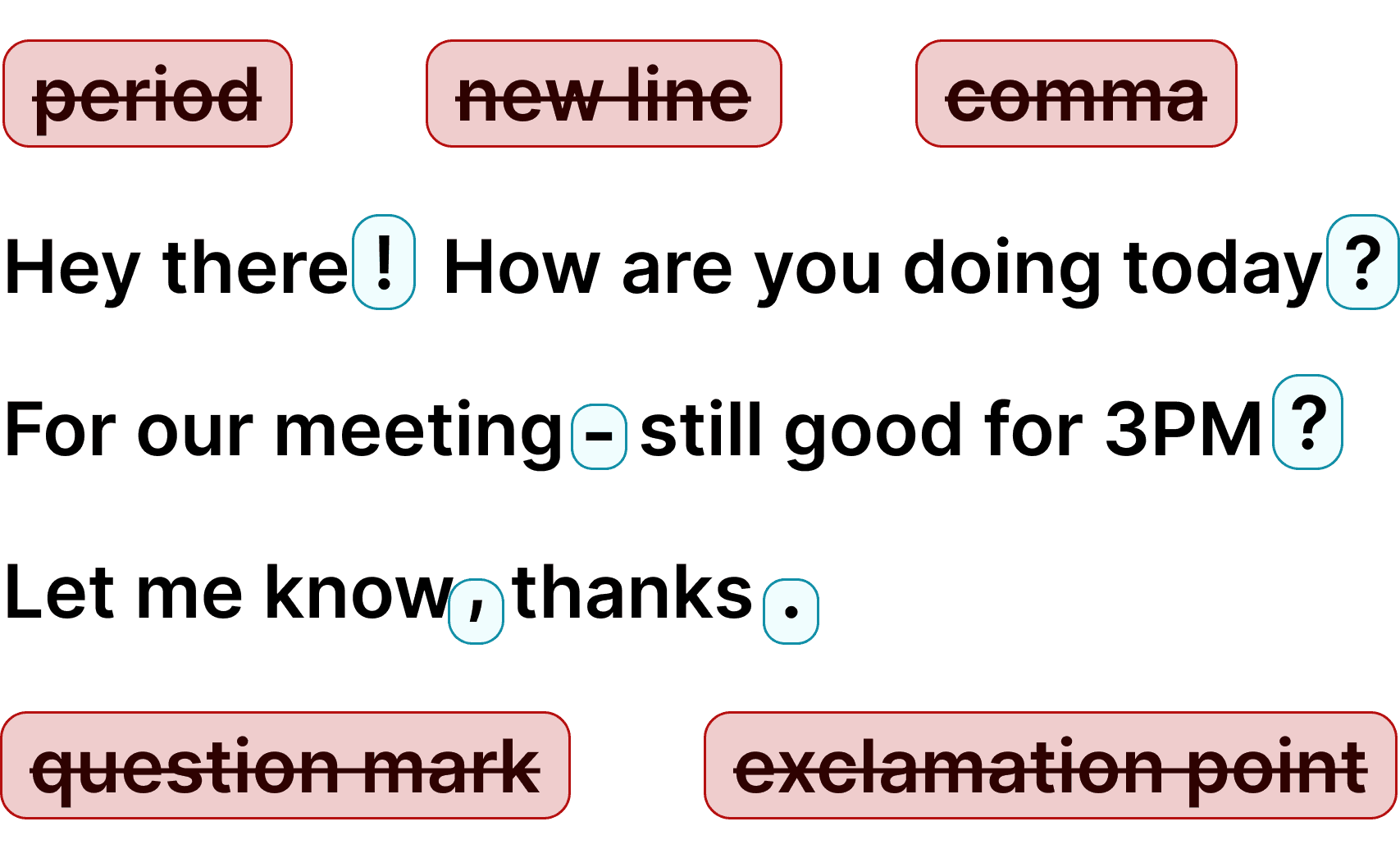
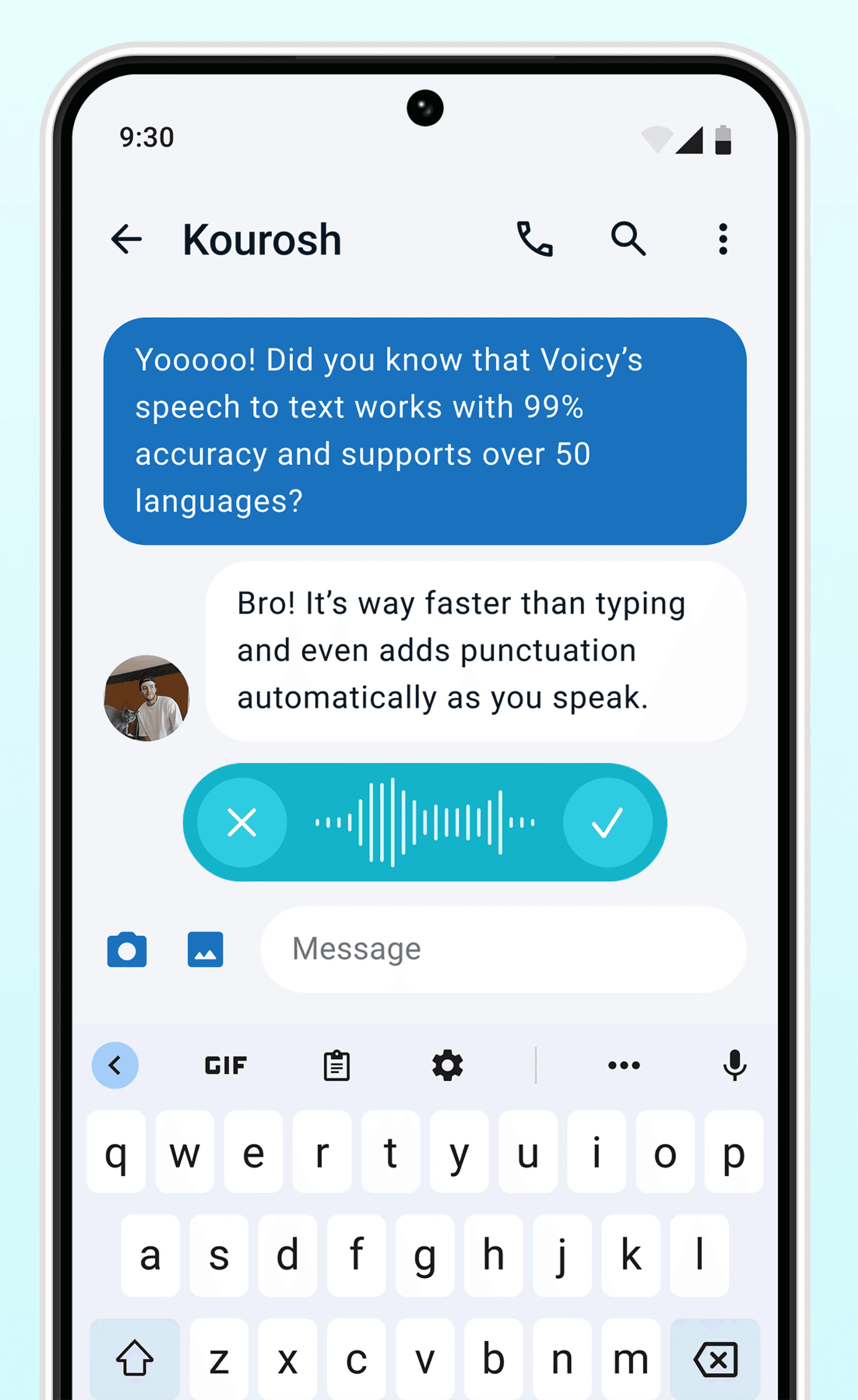
Google's voice typing (available in Google Docs via Tools → Voice typing) offers basic dictation, but it has no automatic punctuation, struggles with accents, and does not work inside Gmail at all. Voicy uses AI-powered speech recognition with 99%+ accuracy, adds punctuation automatically, and works directly inside Gmail — plus every other website and app on your computer.
How much does Voicy cost?
Voicy offers a free trial so you can test all features before committing. After the trial, plans start at $8.49/month. Because each transcription uses AI processing in the cloud, a completely free tier is not available — but the trial gives you full access to decide if it is right for you.
Is my dictation private? Do you store what I say?
No. Voicy does not store your voice recordings or your transcriptions. Your speech is processed and immediately discarded. What you dictate in Gmail stays between you and your inbox — we never see your emails.
How does Voicy work in Gmail?
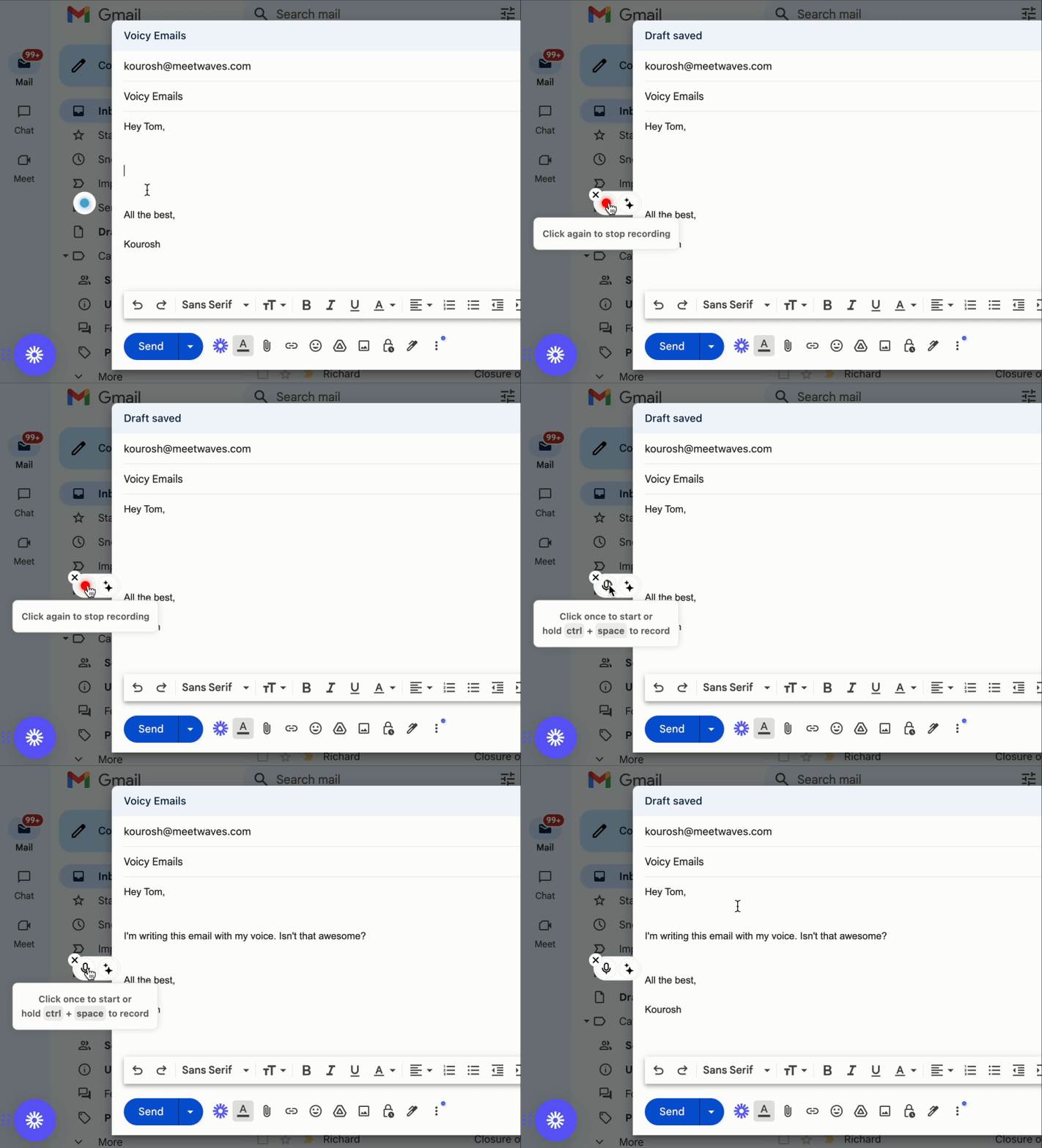
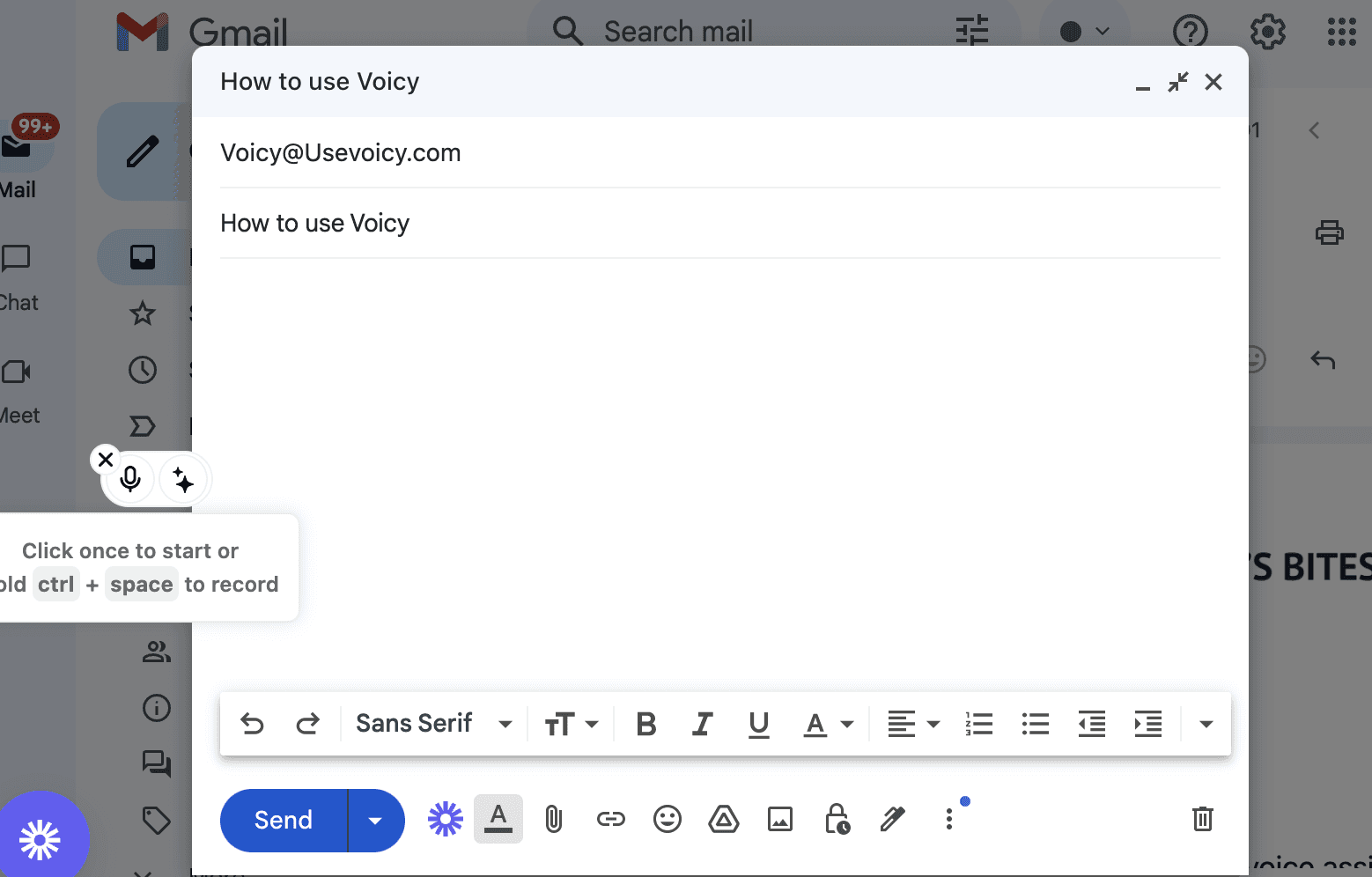
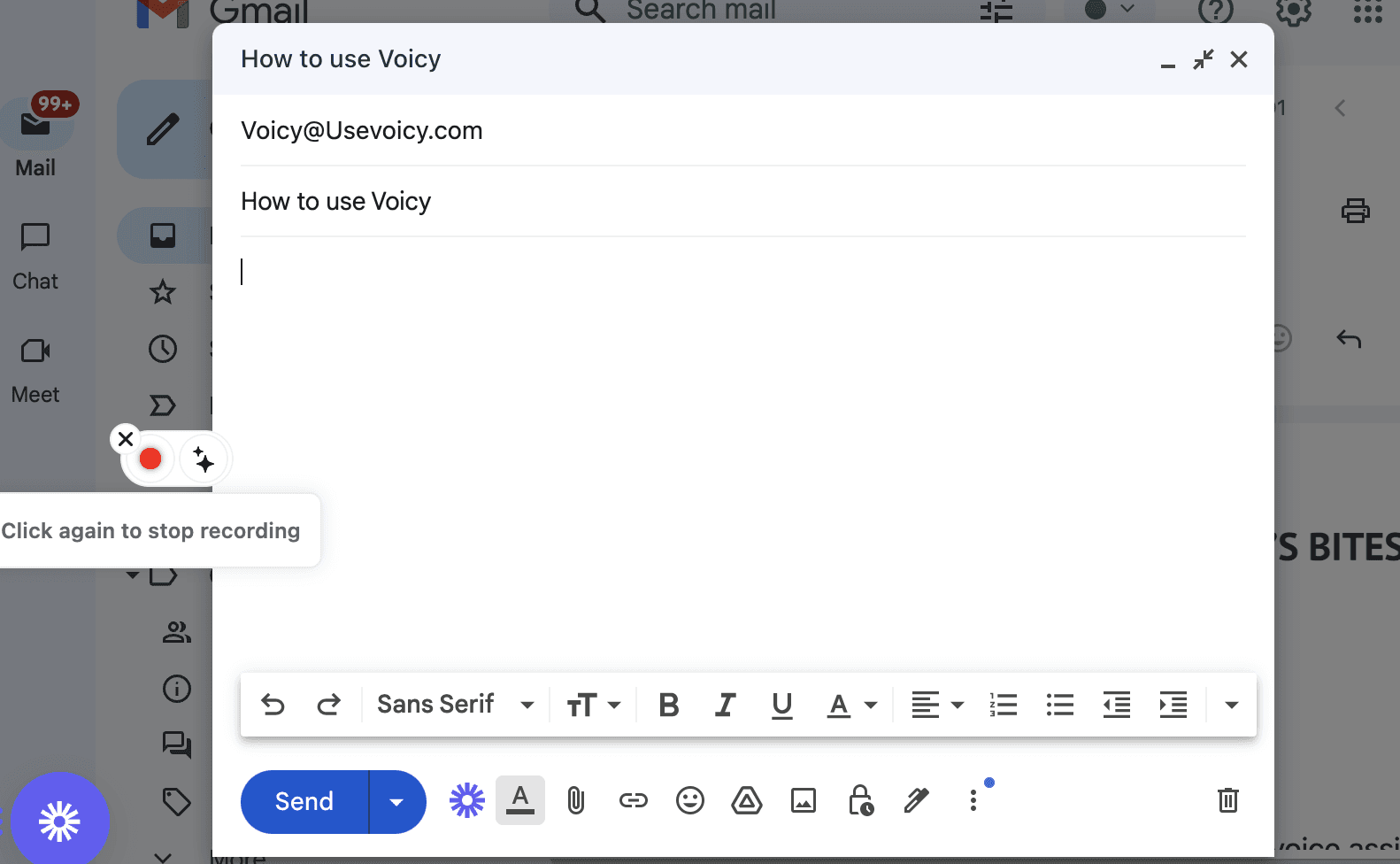
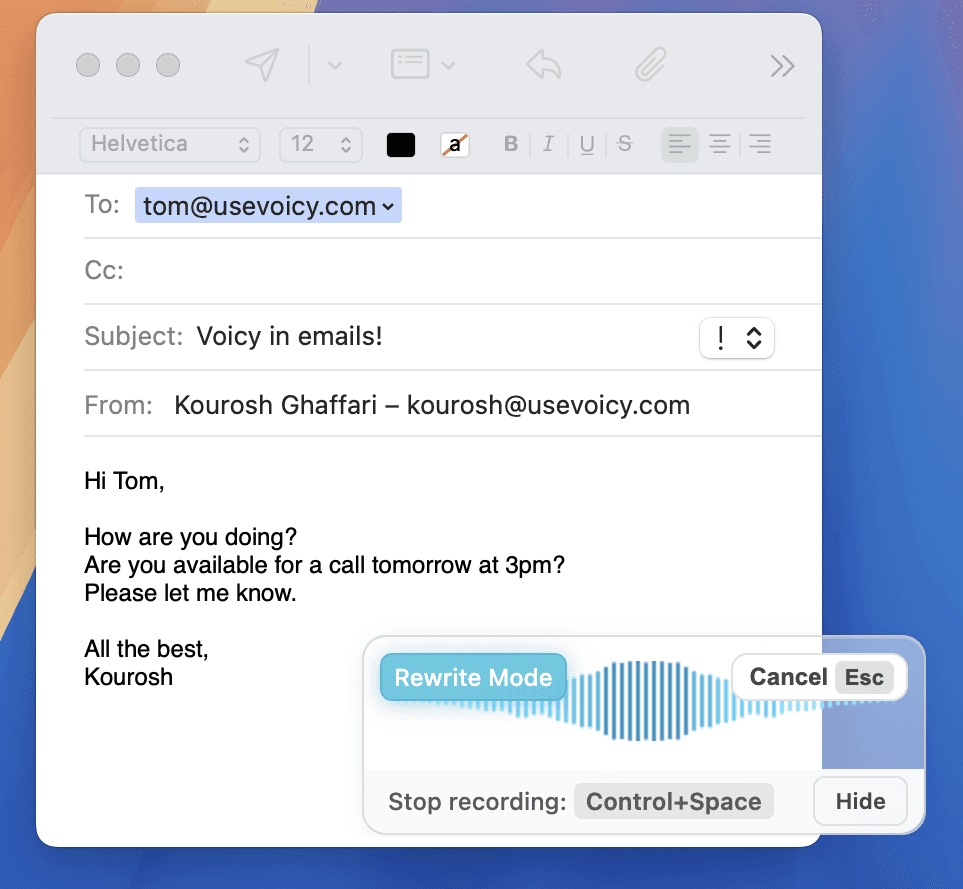
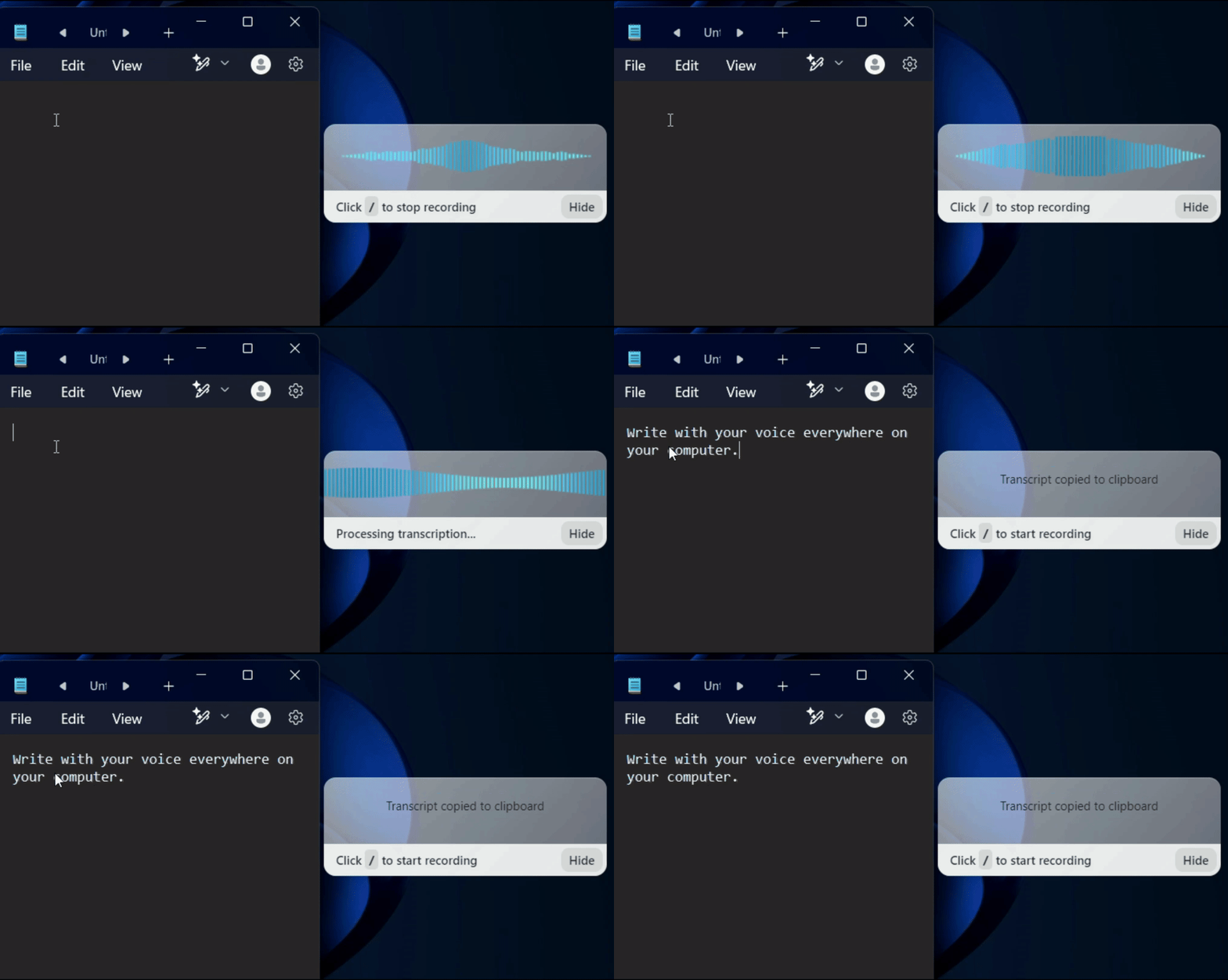
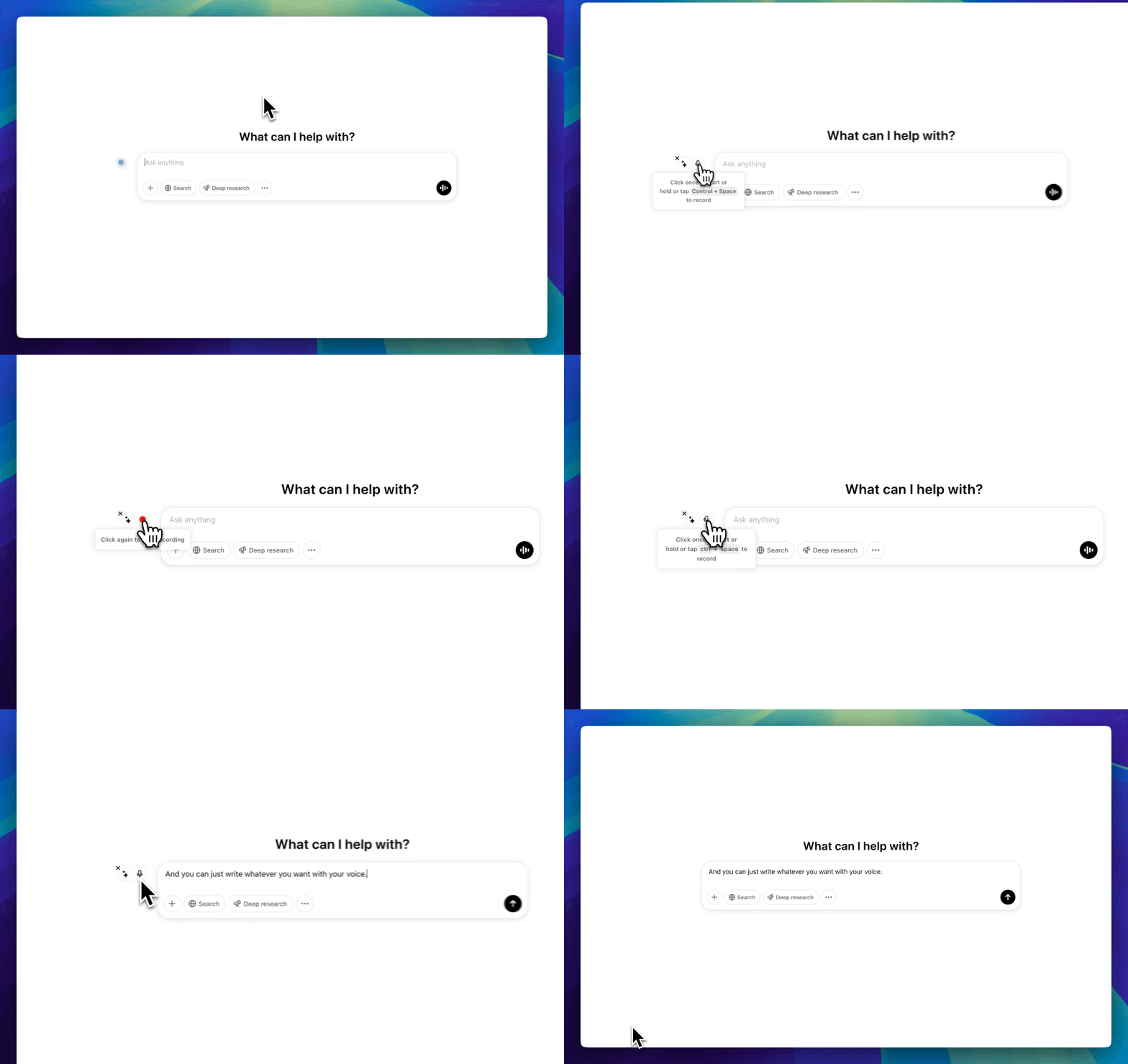
After you install the Voicy Chrome extension, the Voicy element appears in Gmail when you compose an email. Hover over the blue dot to expand it, click the microphone, and start speaking. Voicy transcribes your speech with automatic punctuation and grammar, and the text appears directly in your email draft. Click the microphone again to stop — your email is ready to send.
Does Gmail have built-in voice typing?
No. Unlike Google Docs, Gmail does not have a built-in voice typing feature. You can try using your operating system's dictation (like Win+H on Windows or the Fn key on Mac), but these tools often lack automatic punctuation and accuracy. Voicy fills this gap by adding AI-powered speech-to-text directly inside Gmail with 99%+ accuracy.
What languages does Voicy support for Gmail dictation?
Voicy supports over 50 languages including English, Spanish, German, French, Portuguese, Arabic, Hindi, Chinese, Russian, Dutch, and many more. Language detection is automatic — you can even switch languages mid-sentence while dictating an email.
Can I use Voicy to reply to emails in Gmail?
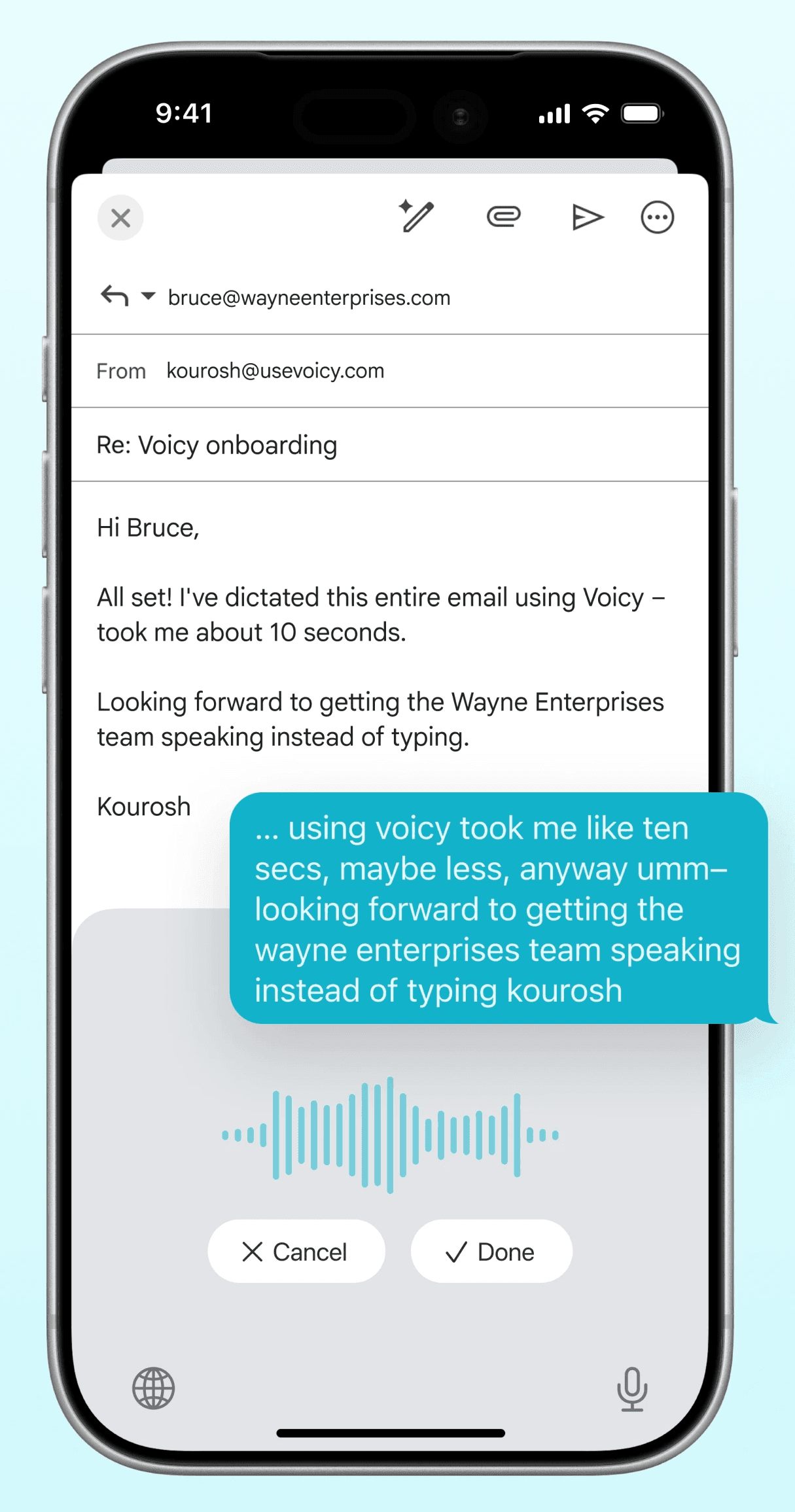
Yes. Voicy works in any text field in Gmail — new emails, replies, forwards, and even chat messages. Anywhere you can type in Gmail, you can dictate with Voicy instead.
Does Voicy work with Google Workspace and business Gmail?
Yes. Voicy works with personal Gmail accounts and Google Workspace (formerly G Suite) business accounts. Whether you are sending emails from yourname@gmail.com or you@company.com through Gmail, Voicy works exactly the same way.