Step 1
Download the Voicy extension here
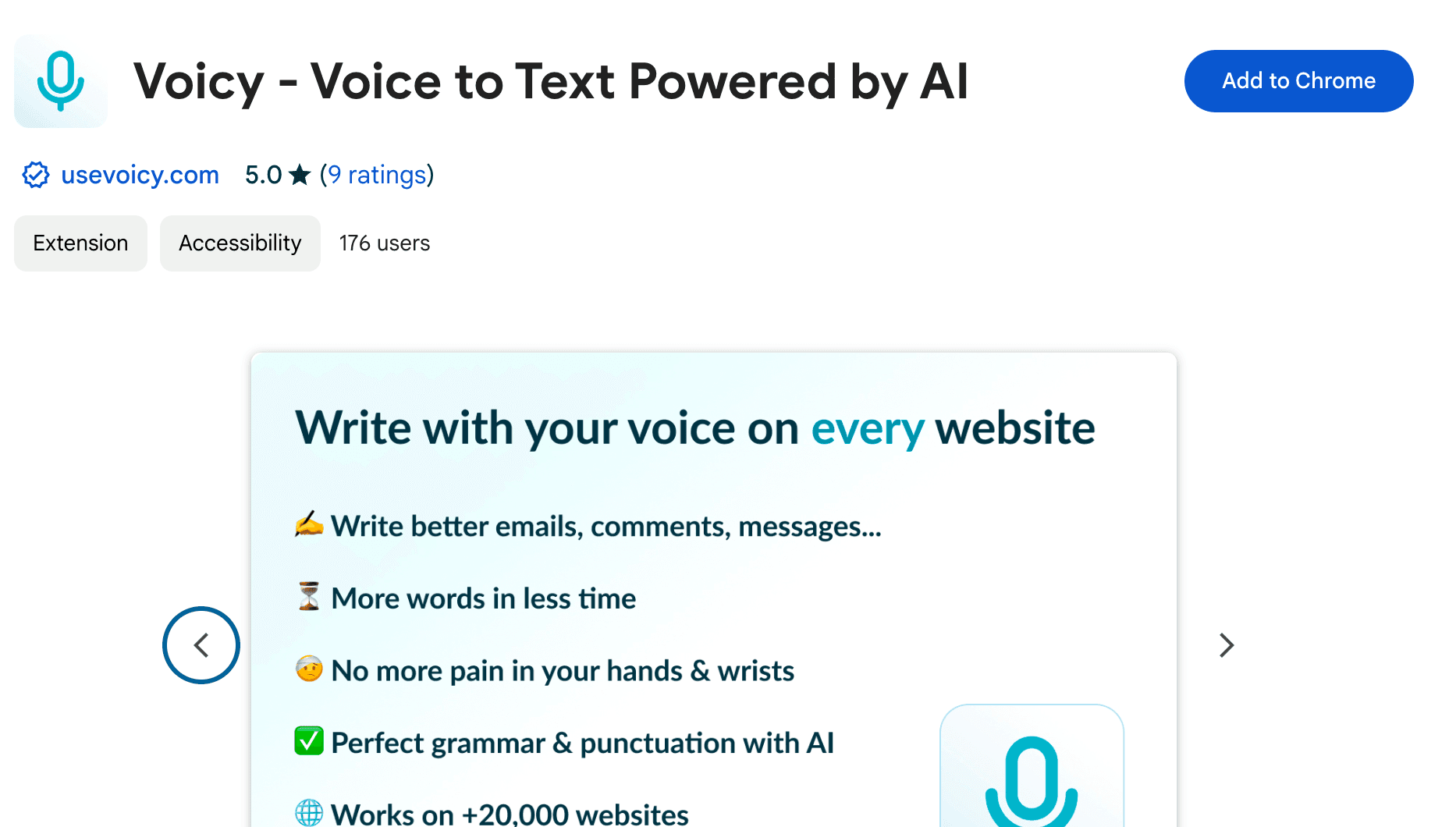
Voicy is a privacy-focused speech-to-text Chrome extension. It adds voice dictation to text fields across the internet, including Notion.
 Voicy
Voicy
Voice typing in Notion
Dictate in Notion with 99%+ accuracy in 50 languages.
3x faster than typing.
Error-free punctuation and grammar powered by AI.
Try for free. No credit card required.
And +20,000 more
Step 1
Voicy is a privacy-focused speech-to-text Chrome extension. It adds voice dictation to text fields across the internet, including Notion.
Step 2
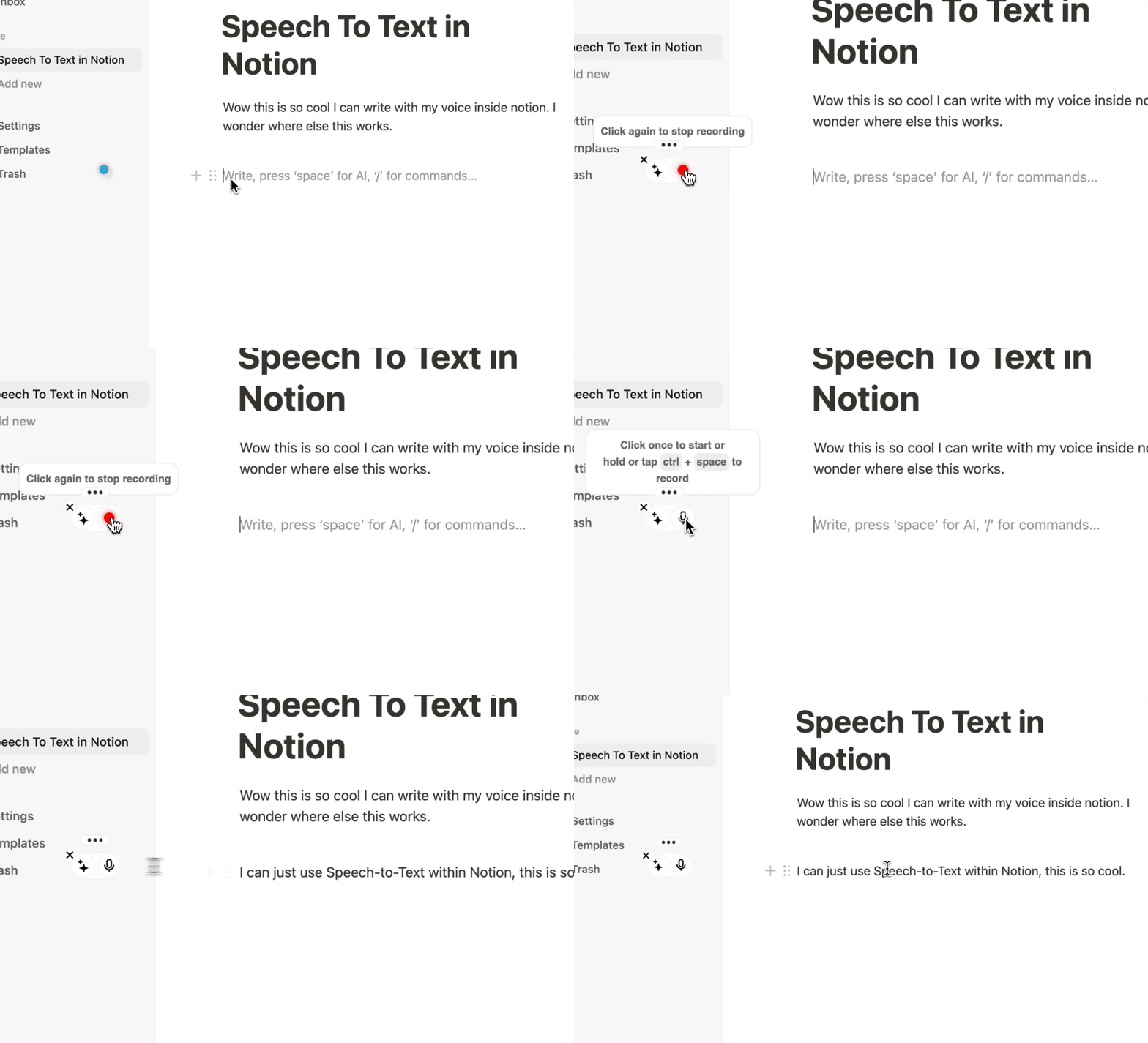
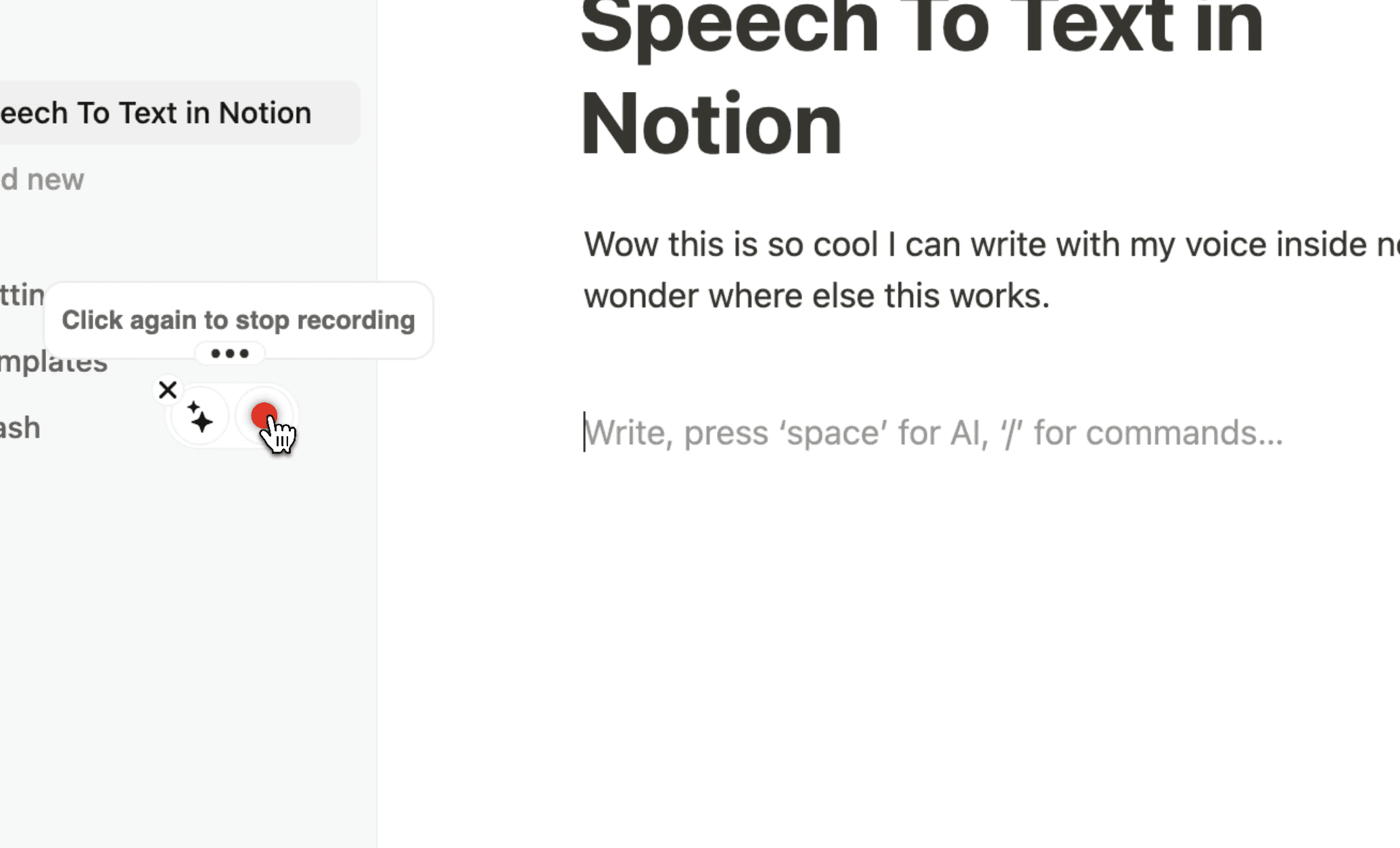
The Voicy element will show up next to your document. Hover over the blue dot to expand it.
You now have talk to text inside Notion.
Step 3
Click the microphone to start recording, then click it again when you are done. Your dictated text will appear in Notion.
Voicy works on all the websites and apps you use daily. This means you can use voice typing to write emails, messages, documents, blog posts, etc.This means your voice can write emails, messages, documents, blog posts, etc.
















Nobody sees your transcripts except yourself.
You can read more about our privacy policy here.
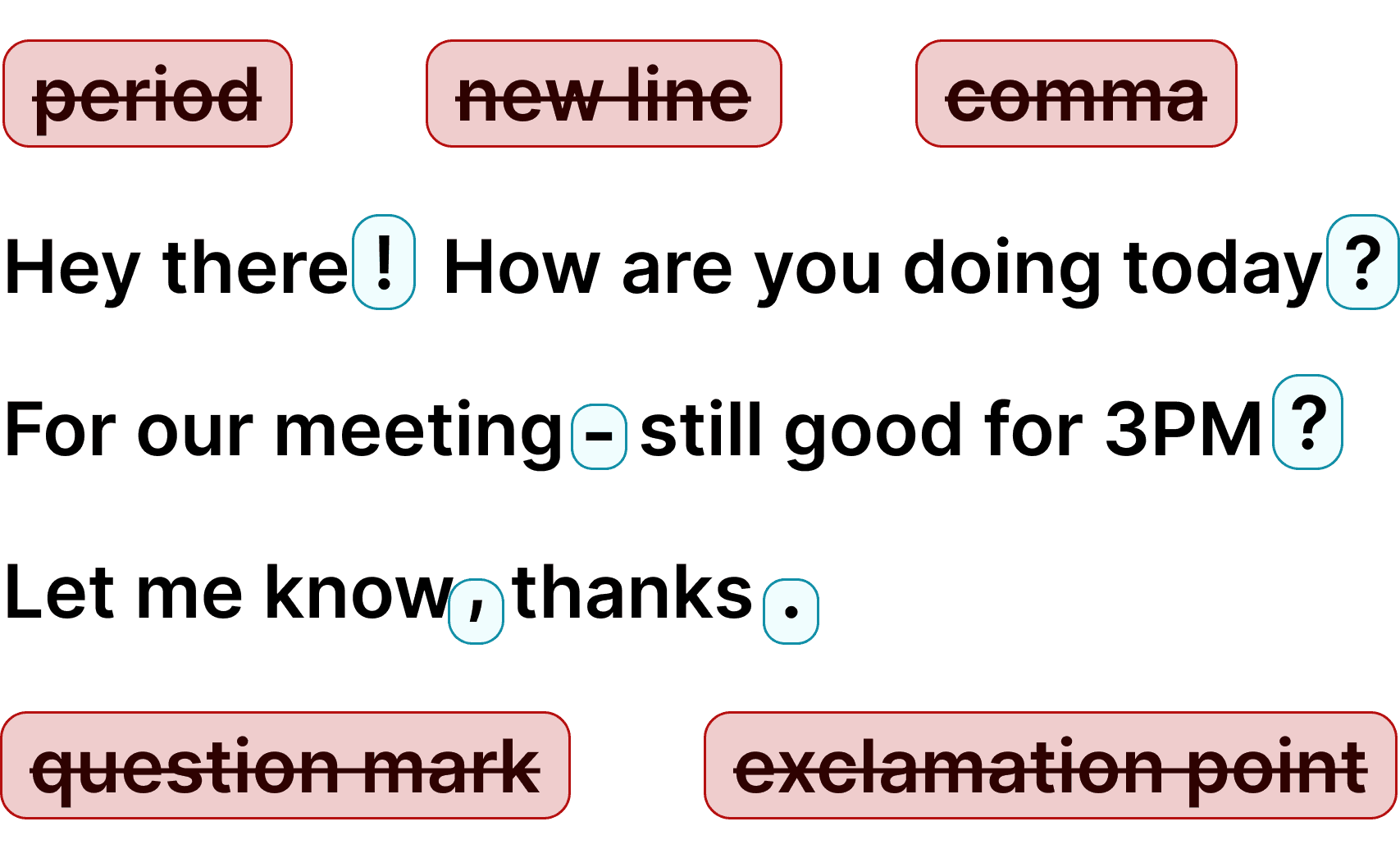
Voicy automatically adds perfect punctuation to your dictated text.
Zero typos, perfect grammar, perfect punctuation.
Voicy gives you over 99% accuracy in more than 50 languages, including speech-to-text in English, German, French, Spanish, Portuguese, Mandarin, etc.Over 99% accuracy in more than 50 languages, including speech to text in English, German, French, Spanish, Portuguese, Mandarin, etc.

I've tried other products like it, and, so far, Voicy is the most user-friendly, and it really improves my workflow.

This is the tool that I was looking for. It is amazing. I've gotten so lazy about typing anywhere. Thank you, thank you, thank you for this product!

Voicy is an absolute game-changer! This voice-to-text extension delivers exceptional accuracy, capturing my words perfectly every time. The speed is impressive.

Almost instant replies from the creator, great support great app!

I love Voicy!! The extension and the desktop app have saved me so much time. I have tried several different voice-to-text apps. None of them compares to Voicy!
 Google Docs
Use Speech-To-Text inside Google Docs to write documents in half the time.
Read MoreGmailAutomatic punctuation and formatting help you write perfect emails!
Read MoreMicrosoft WordStuck on that first line to start your doc? Just speak it out and it's there.
Read MoreOutlookVoicy works perfectly in all Outlook versions to help you dictate emails.
Read More WhatsApp
Are you a talker but know that nobody likes voice notes? Worry not, Voicy's got you!
Read MoreClaude and ChatGPTGive AI the best possible prompt by using your voice. Better input leads to better output!
Read MoreUsing speech-to-text increases your speed by an average of 2x. Get your ideas on paper faster.
Voicy automatically adds perfect commas and punctuation to your transcription.
Writing with your voice creates more natural sounding, easier to understand text.
Whether you want to boost productivity, save your wrists and fingers from pain, or simply want to write more natural-sounding text - voice typing is the way to go. Voicy uses the latest speech recognition technology to give you the power of your voice on every text field on the internet, Notion included.
Simply download the extension to get started.
Apart from talk to text functionality, Voicy also gives you access to AI commands everywhere. If you don't know how to start or formulate anything, simply ask Voicy to do it for you.
Finally, Voicy works in over 50 languages, including Spanish, German, Russian, Hindi, French, Dutch and many more.
Google Chrome's own voice dictation used to be the leading technology in the market, but it has fallen behind. Recent advancements in speech-to-text technology have introduced new models that are far faster and more accurate.
These new technologies have not been adopted by Google yet and likely won't be very soon. Voicy was made for people who want more accurate, automatically formatted, and faster transcriptions than Google's voice dictation.
Products
Speech to TextChrome Extension
Voicy uses more accurate speech-to-text functionality than Google's built-in dictation in over 50 languages.
Voicy offers a free trial where you can use all features. Because each transcription costs money, we are not able to offer a completely free tier. Our plans start at $8.49/month.
No, we don't. Voicy does not store your recordings or your transcriptions.
After you install the Voicy extension, you will see the Voicy element beside a text field in Notion. Hover over it and start speaking. Click it again when you are done to insert your transcription into the Notion page.
Speech-to-text technology has many different names including voice dictation, speech recognition, or talk to text. Ultimately it's a way for you to write with your voice.