Free trial
See if you like Voicy
- 30 minutes free recording time
- Full access to all features
Start for free. No credit card required.
 Voicy
Voicy
Voice typing on Mac, Windows, and in your browser.
Over 50 languages and automatic punctuation.
Try for free. No credit card required.
| Feature | Voicy⭐ Recommended | LilySpeech |
|---|---|---|
| Accuracy | +99% in 50 languages | +90% |
| Speed | Fast, cloud powered | Fast, depends on device |
| Integration | All apps and websites | All apps and websites |
| Voice Commands | AI commands + editing | Basic punctuation commands |
| Privacy | Privacy by design | Collects data on free version |
| Support | Phone + Email |

I've tried other products like it, and, so far, Voicy is the most user-friendly, and it really improves my workflow.

This is the tool that I was looking for. It is amazing. I've gotten so lazy about typing anywhere. Thank you, thank you, thank you for this product!

Voicy is an absolute game-changer! This voice-to-text extension delivers exceptional accuracy, capturing my words perfectly every time. The speed is impressive.

Almost instant replies from the creator, great support great app!

I love Voicy!! The extension and the desktop app have saved me so much time. I have tried several different voice-to-text apps. None of them compares to Voicy!
Our price will never be more than 20% above our total costs.
See if you like Voicy
Start for free. No credit card required.
For the everyday user
$8.49/month
Pay once, use forever
$260
Speed up your entire org
$6.79/user/mo
Voicy works on all the websites and apps you use daily. This means you can use voice typing to write emails, messages, documents, blog posts, etc.This means your voice can write emails, messages, documents, blog posts, etc.

















Nobody sees your transcripts except yourself.
You can read more about our privacy policy here.
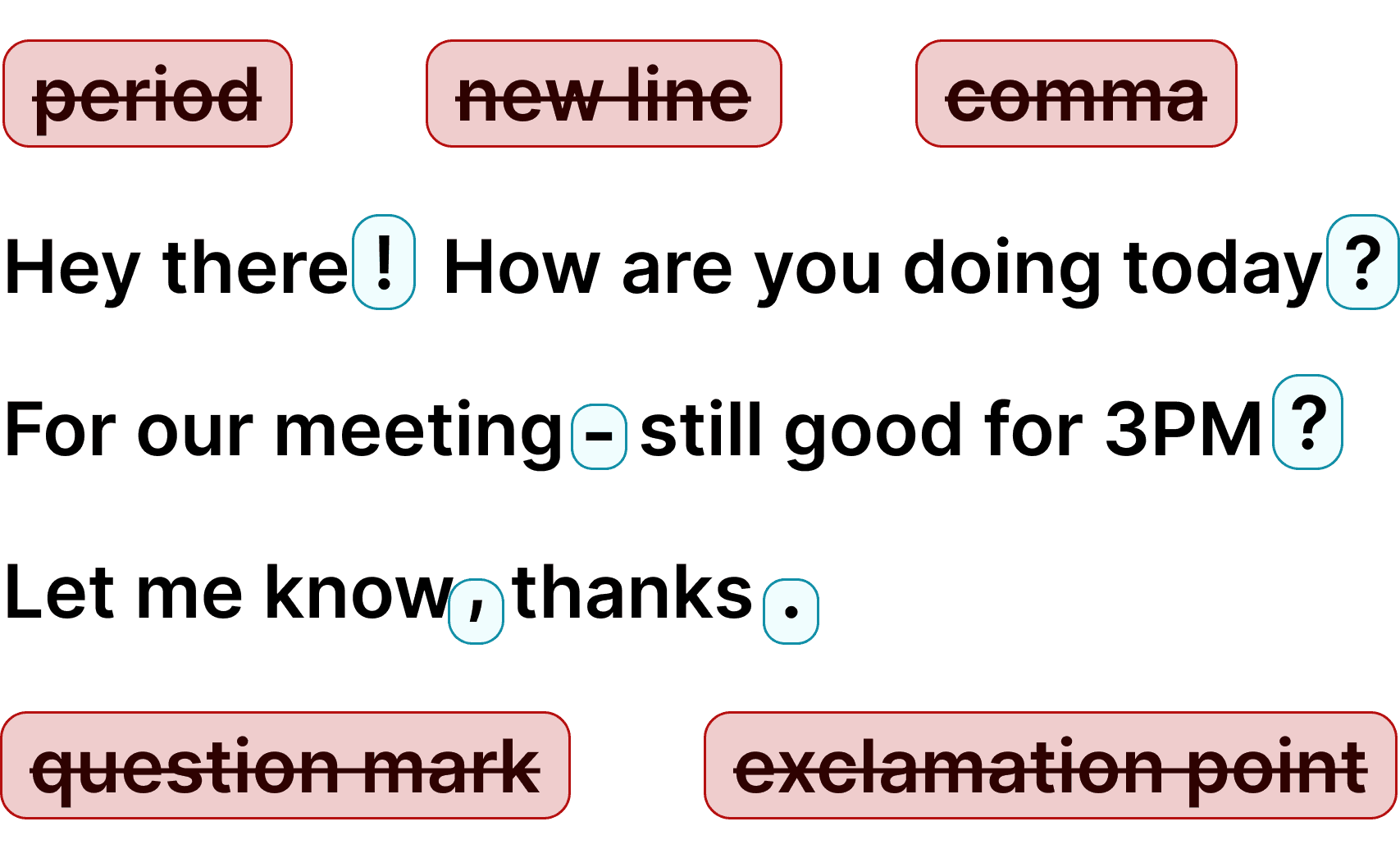
Voicy automatically adds perfect punctuation to your dictated text.
Zero typos, perfect grammar, perfect punctuation.
Voicy gives you over 99% accuracy in more than 50 languages, including speech-to-text in English, German, French, Spanish, Portuguese, Mandarin, etc.Over 99% accuracy in more than 50 languages, including speech to text in English, German, French, Spanish, Portuguese, Mandarin, etc.
Step 1
Voicy adds advanced speech to text to apps and websites on your Mac or Windows computer.
Start with a free trial; no credit card is needed.
Step 2
During setup, choose a keyboard shortcut to start and stop your recordings.
It is the easiest way to use dictation on your computer.

Step 3
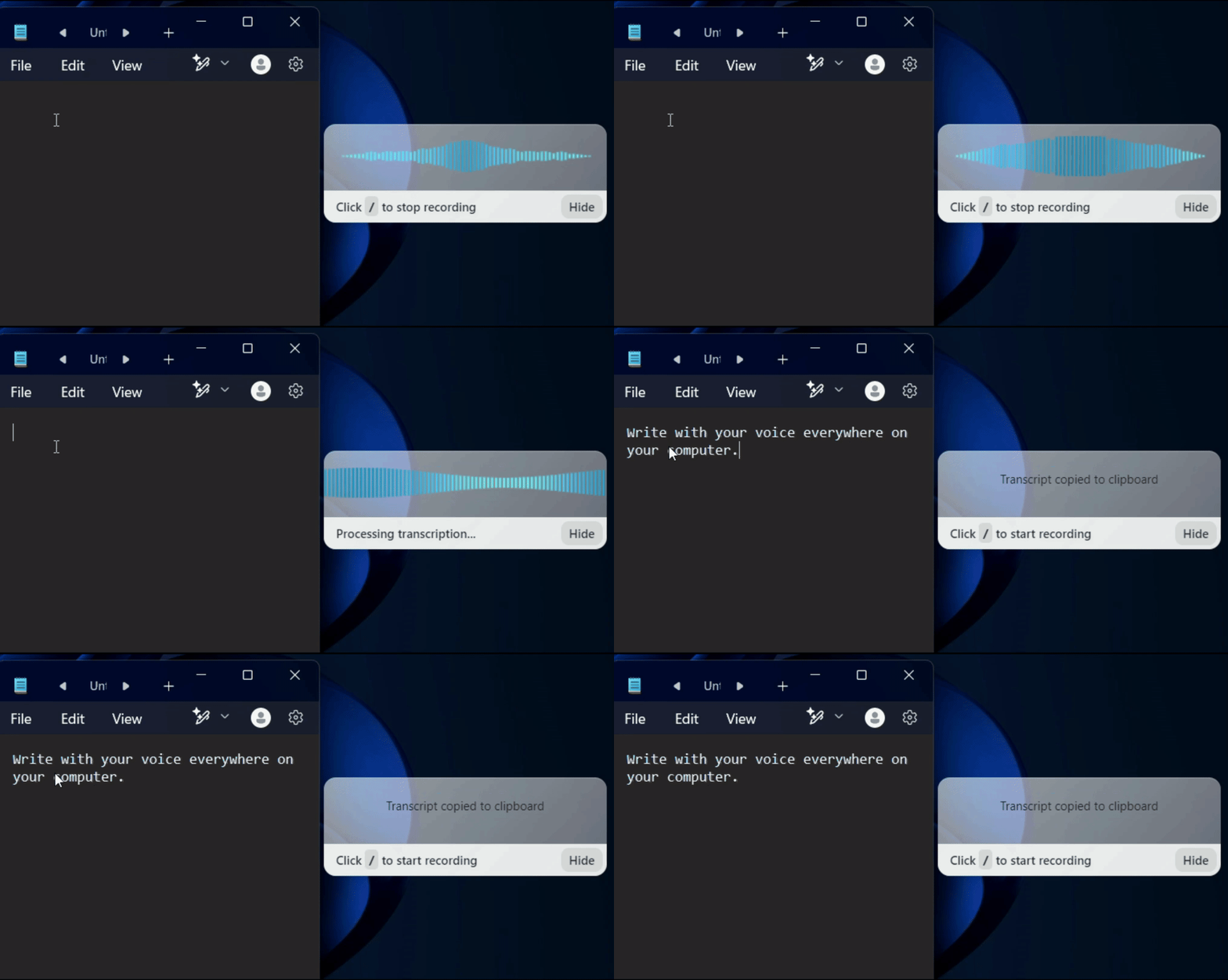
Once Voicy is installed, you can dictate into text fields across your computer, including apps and websites.
While Lilyspeech served its purpose as an early voice-to-text tool, Voicy represents the next generation of dictation software. Unlike Lilyspeech, which is limited to Windows and relies on older Google Chrome speech technology with noticeable transcription delays, Voicy works seamlessly across Mac, Windows, and all major browsers.
Voicy's AI-powered engine delivers transcriptions with automatic punctuation, grammar correction, and intelligent formatting.
Beyond basic dictation, Voicy offers features like AI voice commands, text translation, and an edit mode that lets you refine text with your voice. Voicy does not store your recordings or transcriptions after processing.
Lilyspeech uses Google's transcription software, which has drastically fallen behind the latest speech-to-text models.The latest advancements in AI have given us incredibly fast, accurate, and privacy-friendly transcription technology.
We are able to offer this technology at a low price because we don't employ hundreds of sales, marketing, and engineering staff. We like to stay small, keep our costs in check, and offer you a great product at a fair price.
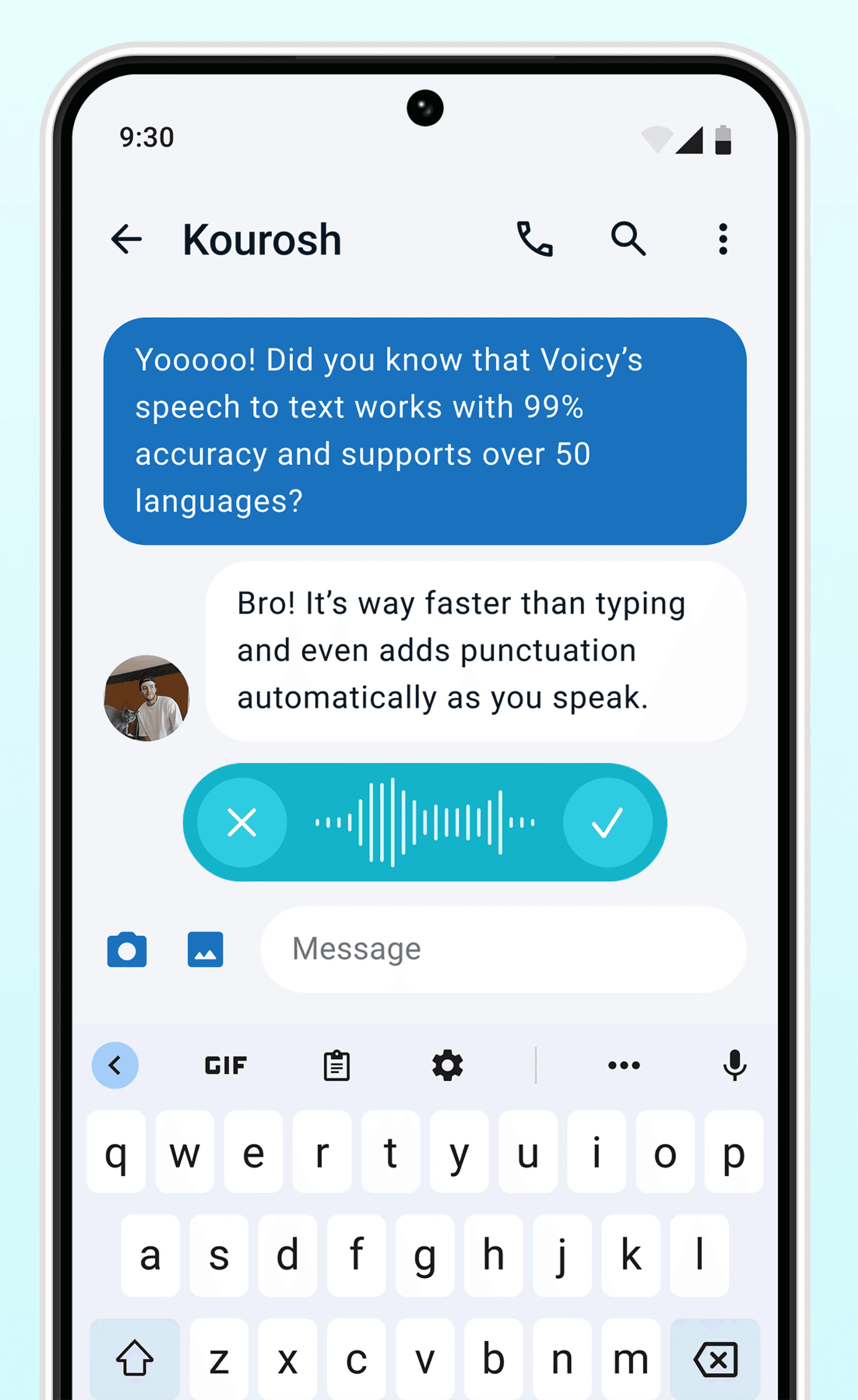
Dictation on Android & iPhone
Never use Apple's or Android's annoying dictation again. Perfect dictation, 4x faster than typing.
Emails




 & more
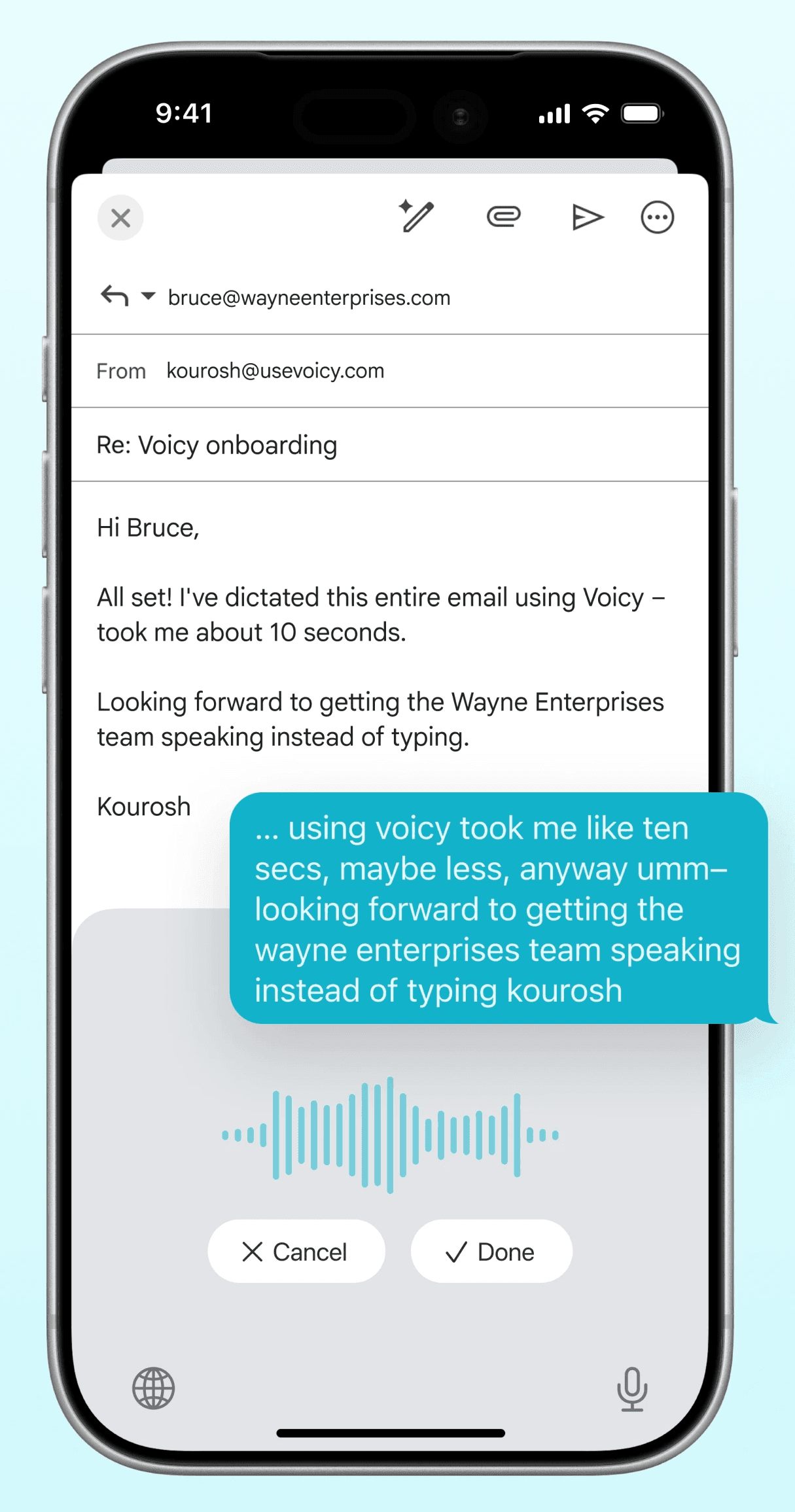
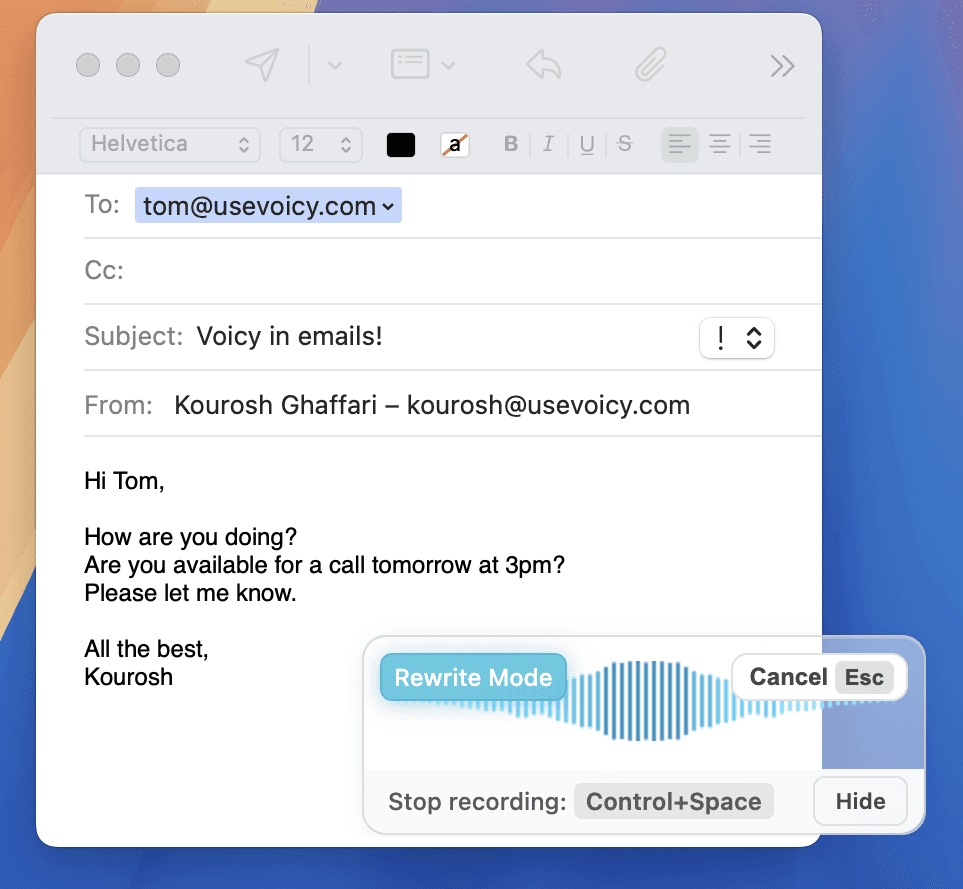
Dictate emails in every email app with Voicy. Write emails up to 4x faster with your voice thanks to:
Writing & Documents





 & more
Speech-to-text for all your documents, notes, and writings. Get your thoughts on paper faster with:
Chats, team communication, AI prompts





 & more
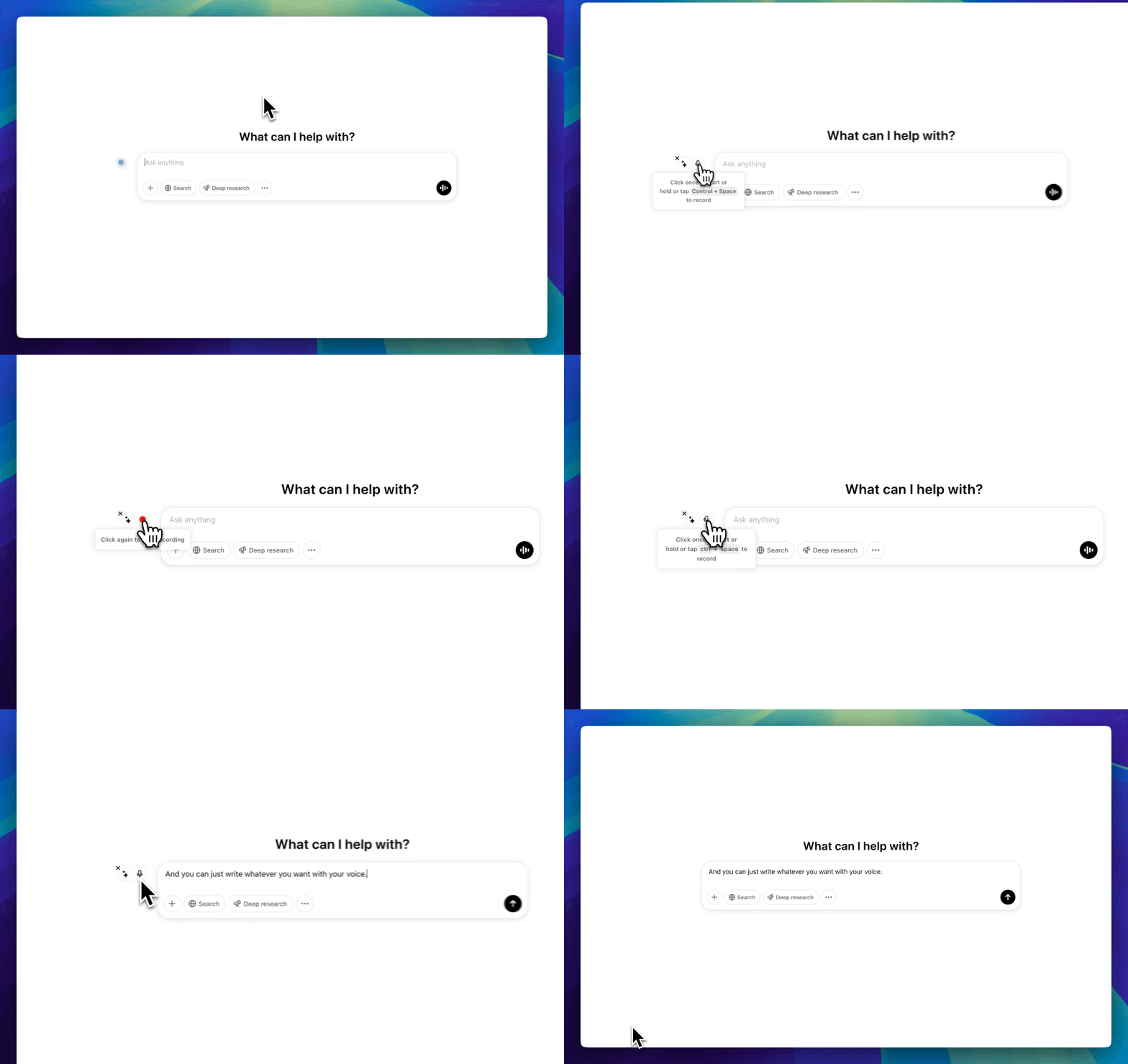
Whether you're chatting with friends on WhatsApp, your colleagues on Slack or Teams, or your favorite AI on ChatGPT, Gemini, Claude, etc., dictate your messages with Voicy.
Coding, terminals, vibe-coding




 & more
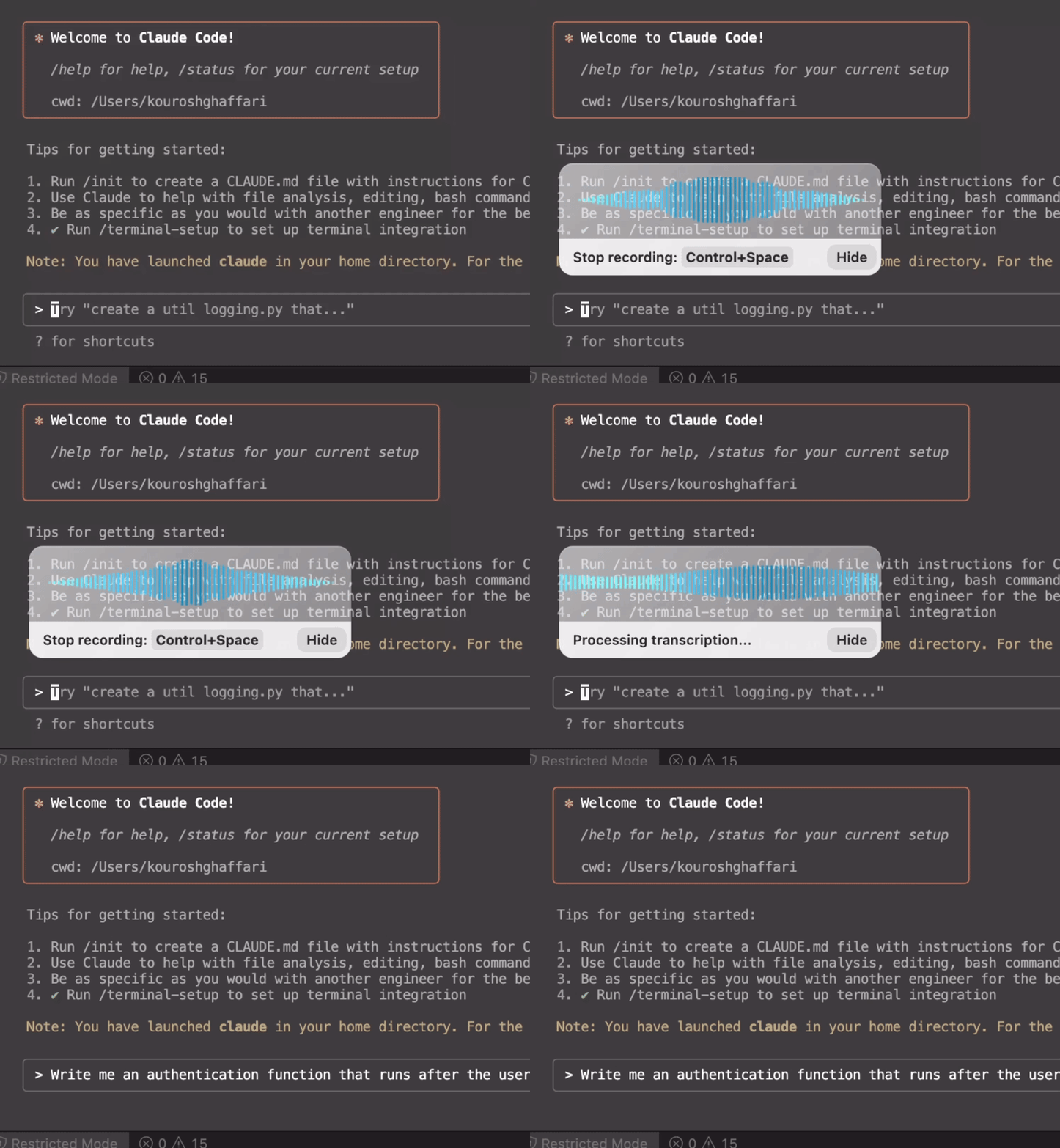
Use dictation in your TUI for commands, Claude Code, or Codex. Or voice-type in your favorite IDE for some fun coding (the vibe is optional)
Voicy adds automatic punctuation and works in over 50 languages, with language detection. It is available on Mac and Windows.
Lilyspeech offers a free version with ads. Voicy is a paid AI-powered dictation app with Mac and Windows support, automatic punctuation, and language detection.
No. Voicy does not store your recordings or transcriptions. Speech is processed in the cloud and discarded after transcription.
Voicy uses AI speech recognition and supports more than 50 languages. Accuracy depends on the speaker and task; try both with your own recordings and vocabulary.
Speech to text, also called voice dictation or voice typing, converts your spoken words into written text.
Yes. Voicy offers a native Mac app and browser dictation as well as Windows support.