Step 1
Download the Voicy app here
Voicy adds advanced speech to text to apps and websites on your Mac or Windows computer.
Start with a free trial; no credit card is needed.
 Voicy
Voicy
Dragon dictation software alternative
Over 99% accuracy in 50 languages.
Automatic punctuation and formatting.
No voice training required.
Try for free. No credit card required.
Step 1
Voicy adds advanced speech to text to apps and websites on your Mac or Windows computer.
Start with a free trial; no credit card is needed.
Step 2
During setup, choose a keyboard shortcut to start and stop your recordings.
It is the easiest way to use dictation on your computer.

Step 3
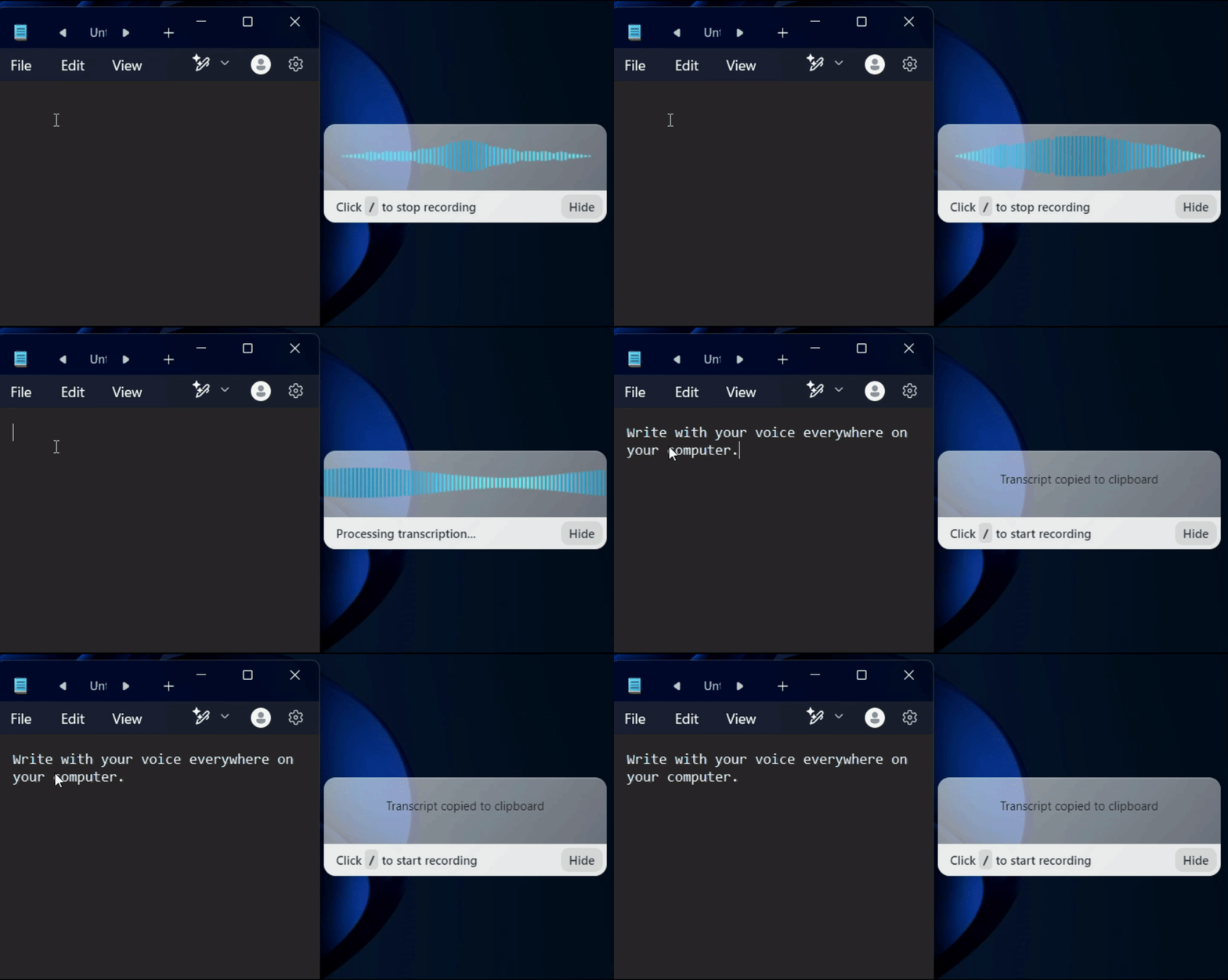
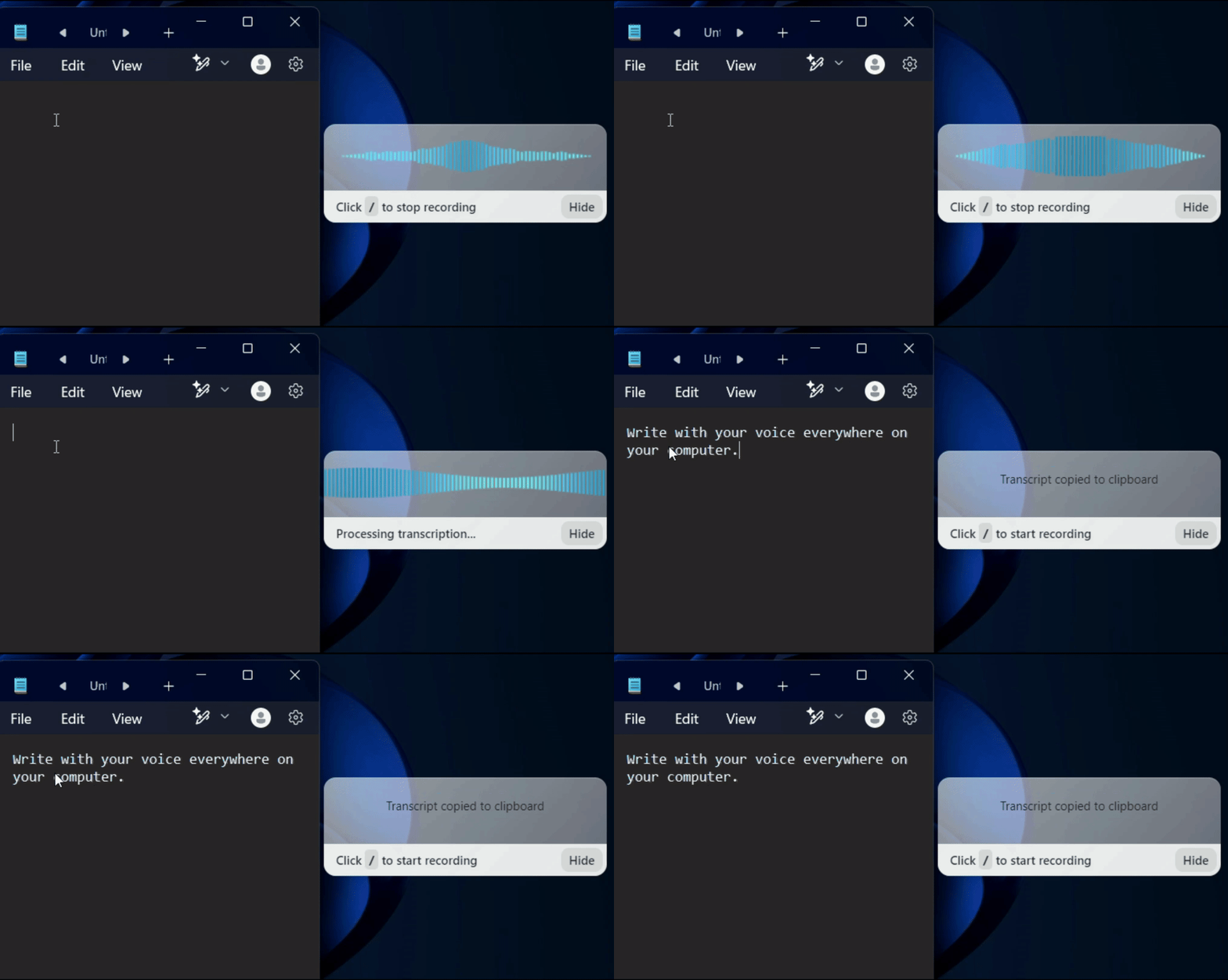
Once Voicy is installed, you can dictate into text fields across your computer, including apps and websites.
| Feature | Voicy⭐ Recommended | Dragon |
|---|---|---|
| Accuracy | +99% in 50 languages | +95-99% (requires training) |
| Speed | Fast, cloud powered | Fast, depends on device |
| Integration | All apps and websites | All apps and websites |
| Voice Commands | AI commands + editing | Extensive computer control |
| Privacy | Privacy by design | Local processing |
| Support | Phone + Email | Phone-only |
Voicy works on all the websites and apps you use daily. This means you can use voice typing to write emails, messages, documents, blog posts, etc.This means your voice can write emails, messages, documents, blog posts, etc.

















Nobody sees your transcripts except yourself.
You can read more about our privacy policy here.
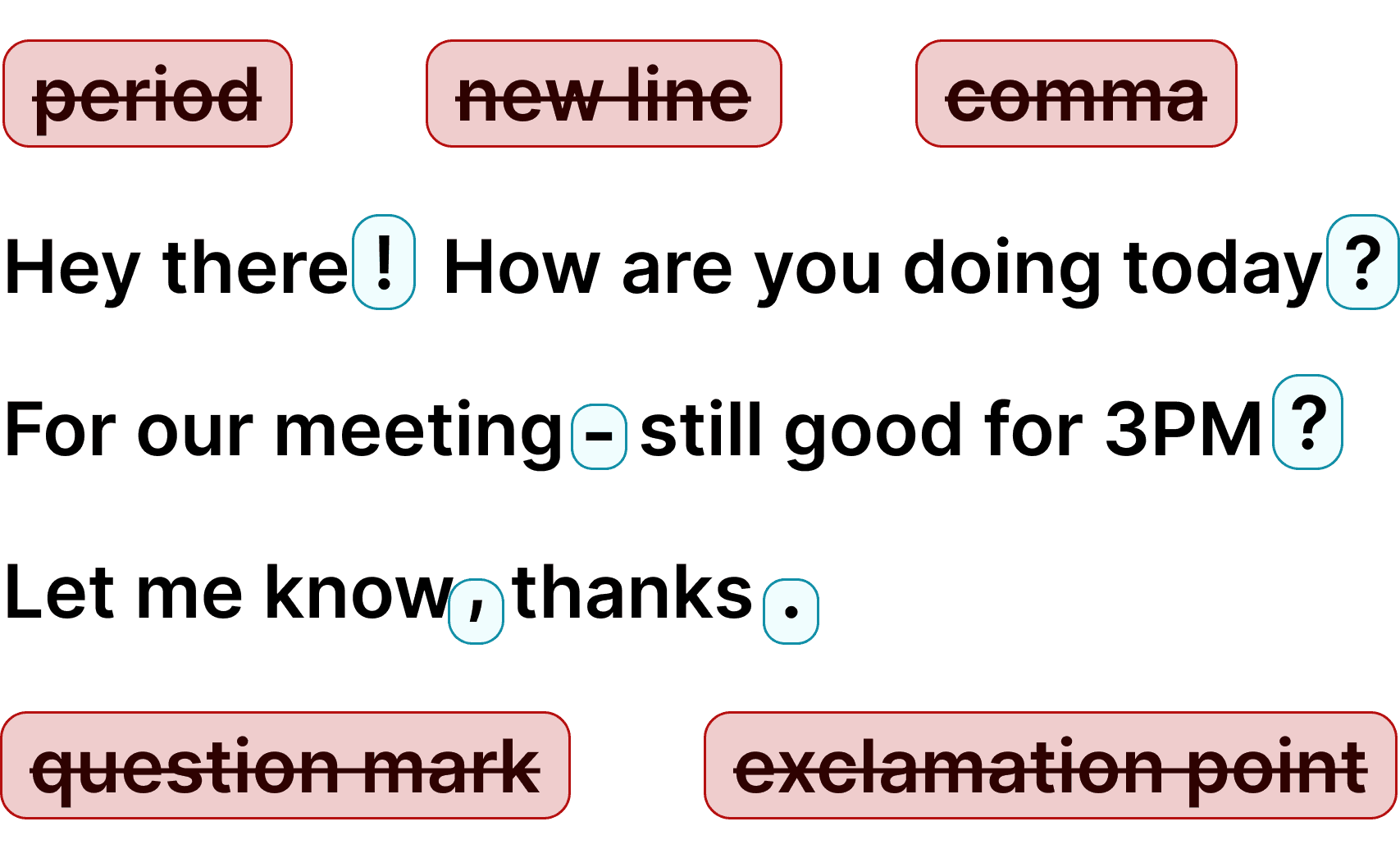
Voicy automatically adds perfect punctuation to your dictated text.
Zero typos, perfect grammar, perfect punctuation.
Voicy gives you over 99% accuracy in more than 50 languages, including speech-to-text in English, German, French, Spanish, Portuguese, Mandarin, etc.Over 99% accuracy in more than 50 languages, including speech to text in English, German, French, Spanish, Portuguese, Mandarin, etc.
Voicy is a privacy-focused speech-to-text app.
It adds advanced AI dictation to Mac, Windows, browser workflows, iOS, and Android, while keeping your security and privacy in mind.
Nobody can read your transcripts or listen to your recordings.
We do not store your transcripts or recordings anywhere in our database.
Your transcripts are only stored on your device locally.
We do not use your recordings to train an AI model or for any other purpose. We do not store your transcripts or recordings at all.

I've tried other products like it, and, so far, Voicy is the most user-friendly, and it really improves my workflow.

This is the tool that I was looking for. It is amazing. I've gotten so lazy about typing anywhere. Thank you, thank you, thank you for this product!

Voicy is an absolute game-changer! This voice-to-text extension delivers exceptional accuracy, capturing my words perfectly every time. The speed is impressive.

Almost instant replies from the creator, great support great app!

I love Voicy!! The extension and the desktop app have saved me so much time. I have tried several different voice-to-text apps. None of them compares to Voicy!
Dictation on Android & iPhone
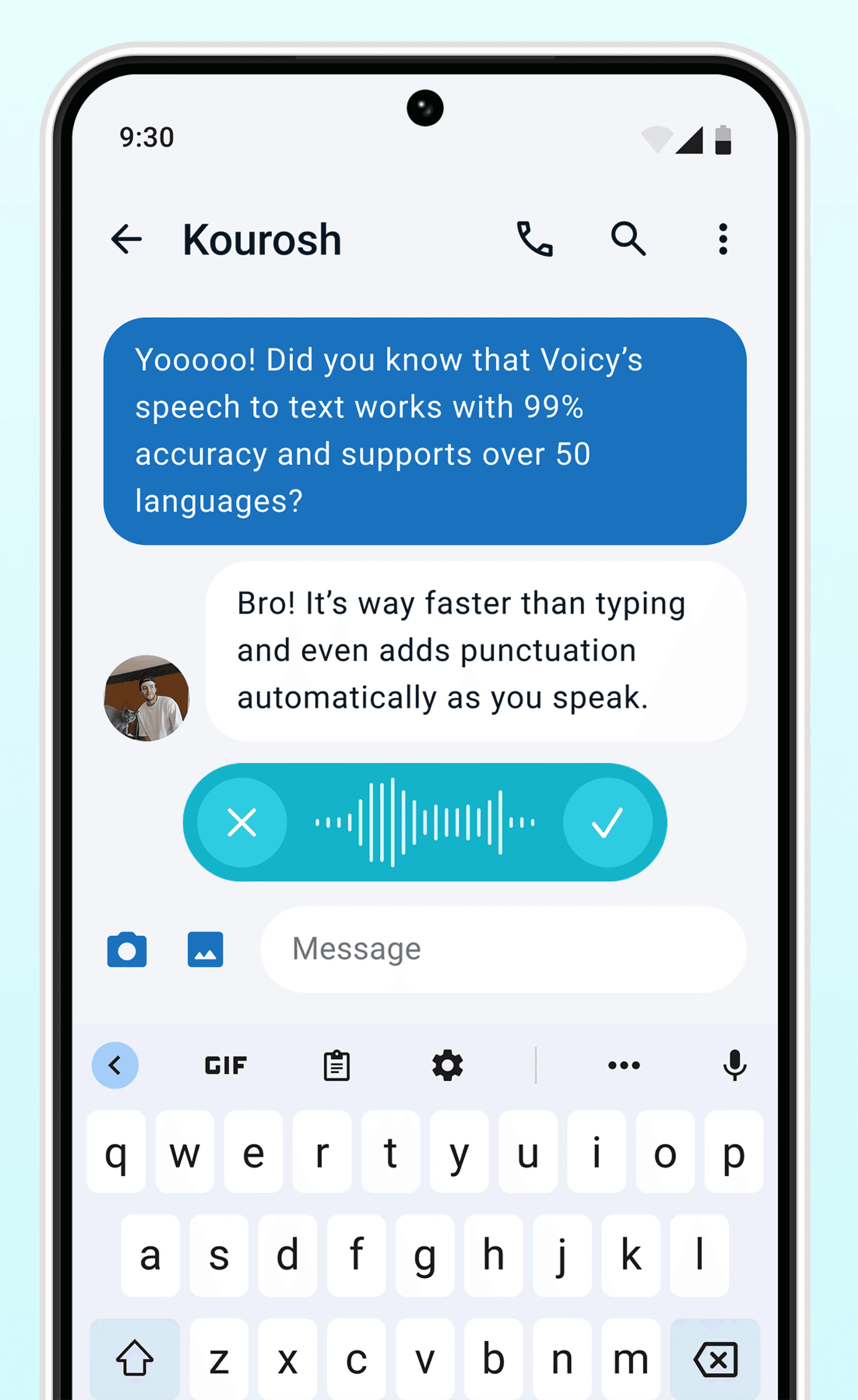
Never use Apple's or Android's annoying dictation again. Perfect dictation, 4x faster than typing.
Emails




 & more
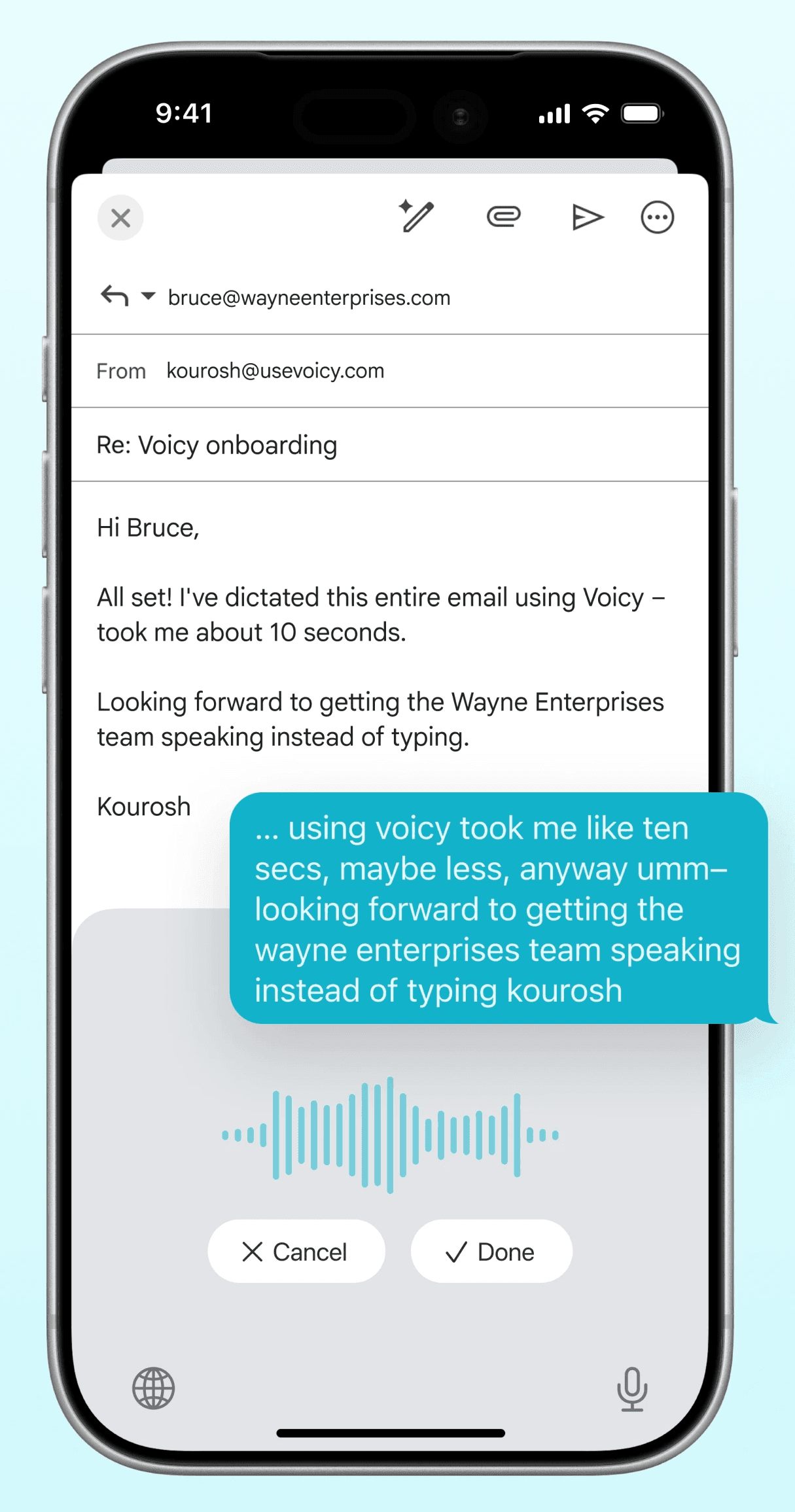
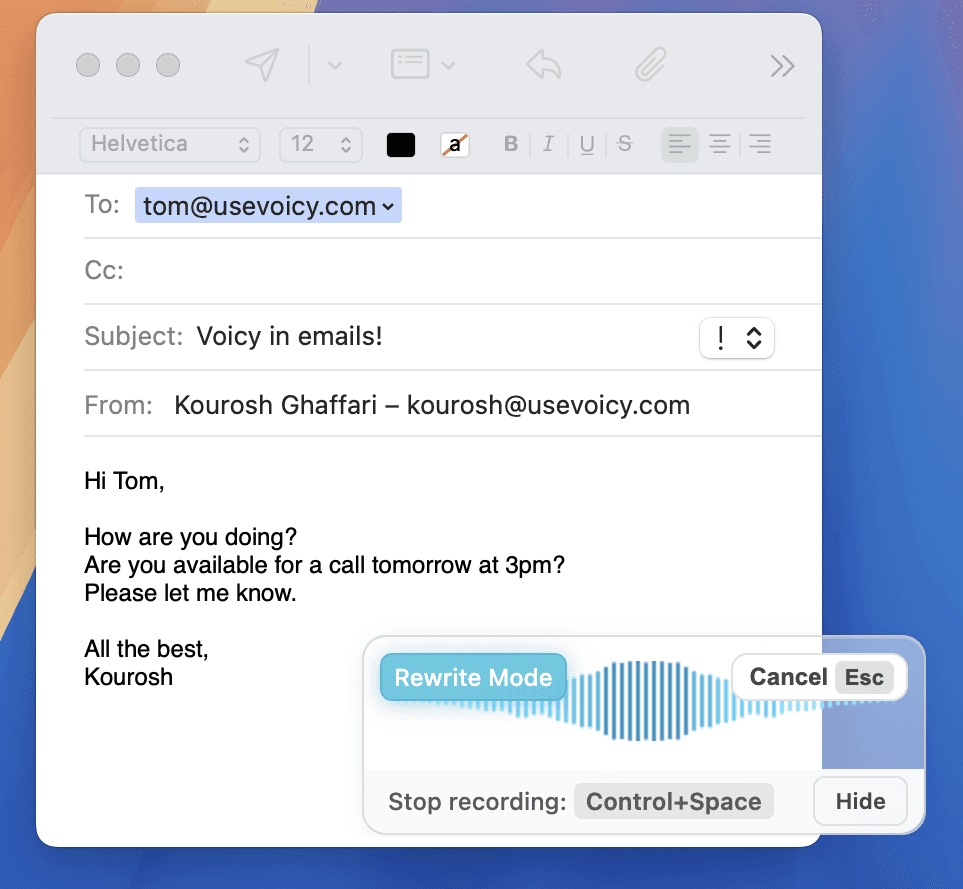
Dictate emails in every email app with Voicy. Write emails up to 4x faster with your voice thanks to:
Writing & Documents




 & more
Speech-to-text for all your documents, notes, and writings. Get your thoughts on paper faster with:
Chats, team communication, AI prompts




 & more
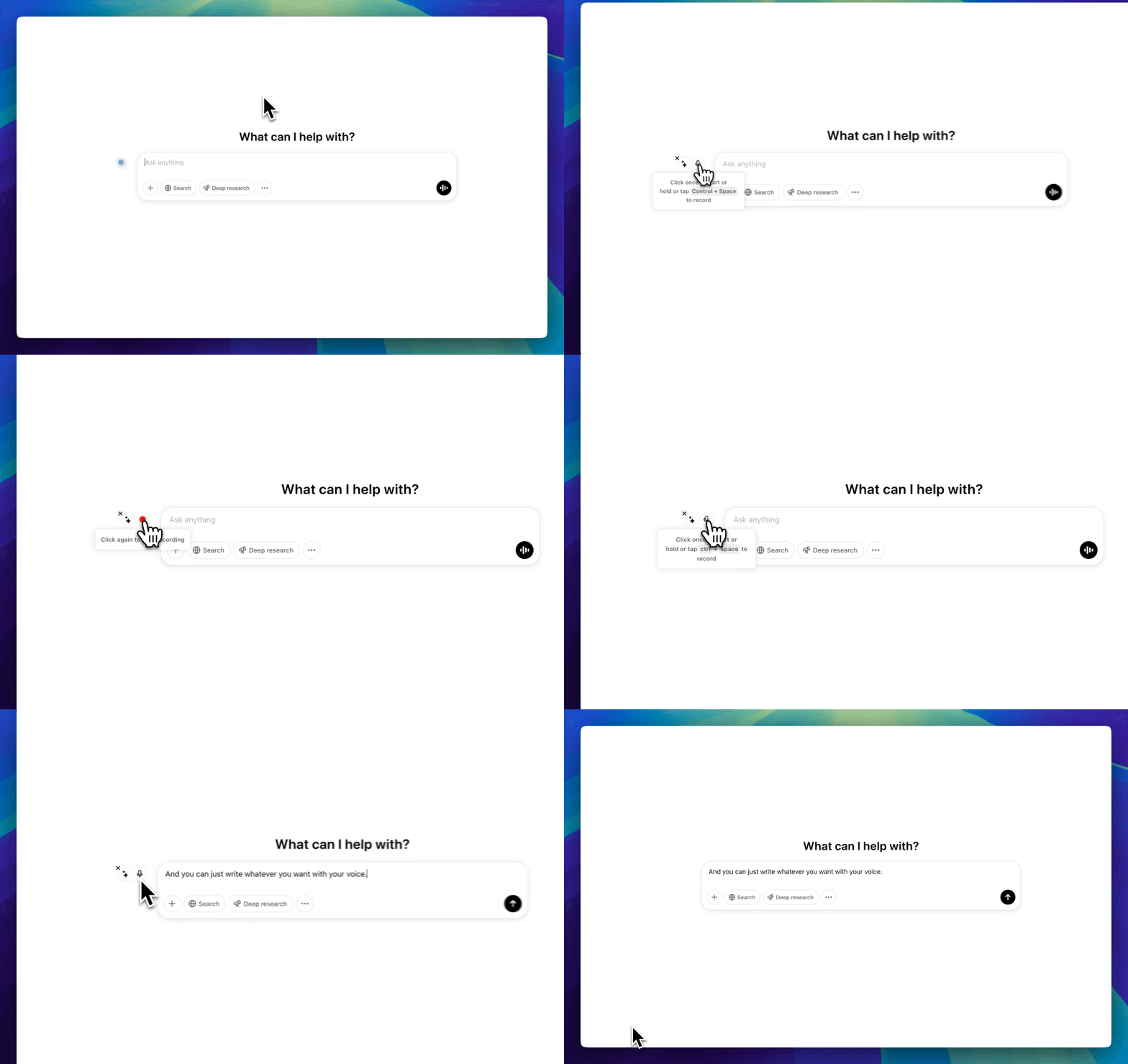
Whether you're chatting with friends on WhatsApp, your colleagues on Slack or Teams, or your favorite AI on ChatGPT, Gemini, Claude, etc., dictate your messages with Voicy.
Coding, terminals, vibe-coding




 & more
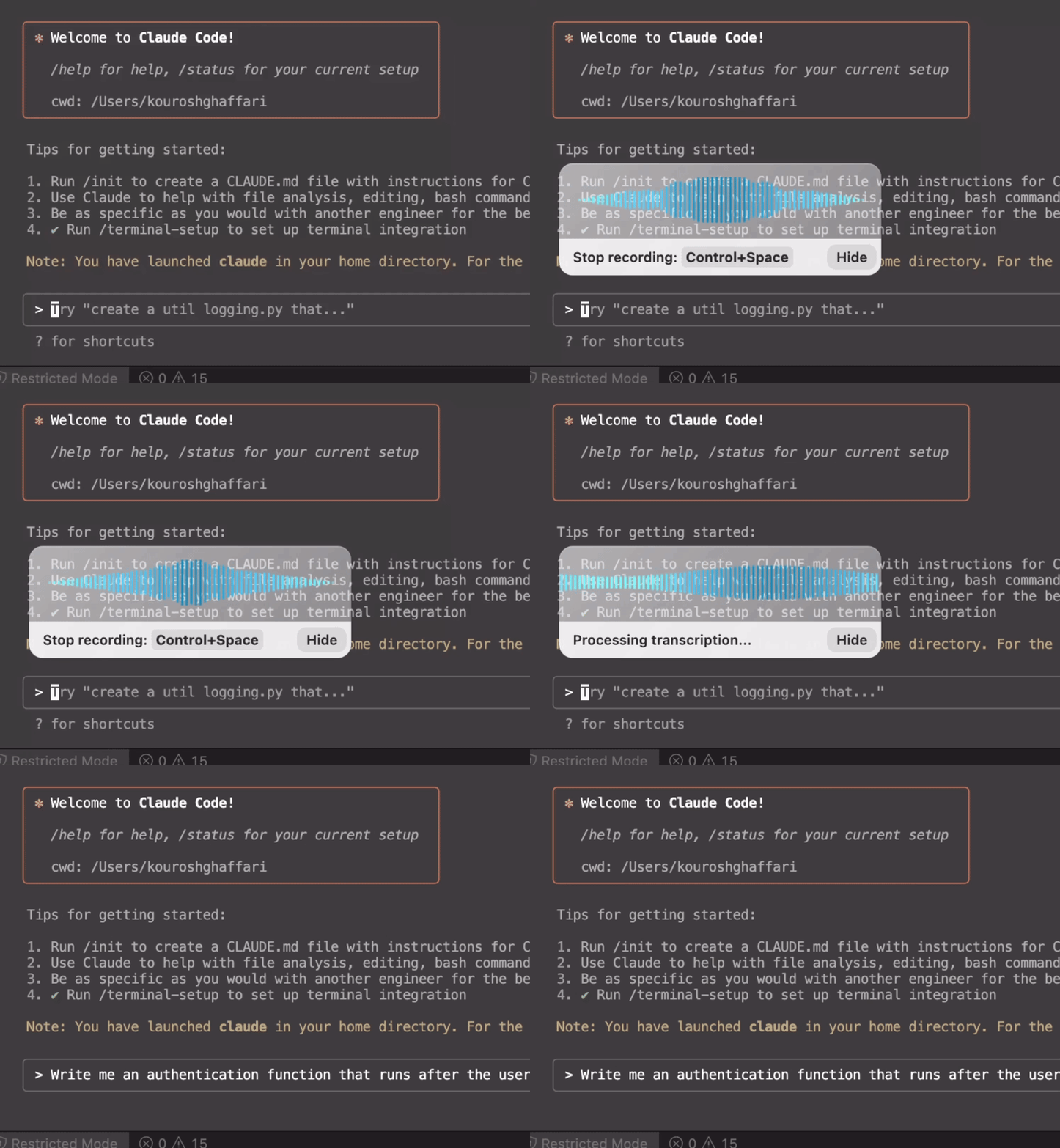
Use dictation in your TUI for commands, Claude Code, or Codex. Or voice-type in your favorite IDE for some fun coding (the vibe is optional)
Our price will never be more than 20% above our total costs.
See if you like Voicy
Start for free. No credit card required.
For the everyday user
$8.49/month
Pay once, use forever
$260
Speed up your entire org
$6.79/user/mo
Voicy offers automatic punctuation and dictation in Mac and Windows apps without voice training. You can test it during the free trial before changing your Dragon workflow.
Voicy works immediately without a voice-training profile and supports Mac, Windows, and browser workflows. Dragon offers specialized editions and local-processing options for some workflows.
No. Voicy does not store your recordings or transcriptions. Speech is processed in the cloud and discarded after transcription.
Both can provide accurate dictation. Voicy works without voice training; Dragon can improve with a trained profile. Test each with your accent and vocabulary to compare the results.
Voicy can help with general medical and legal writing, but Dragon has specialized editions with custom vocabulary. Test Voicy with your terminology and confirm your organization's privacy requirements before replacing a specialist workflow.
Yes. Voicy supports macOS 13 or later, Windows 10 and 11, and Chrome.
Common reasons include Mac support, browser app compatibility, automatic punctuation, and the ability to start without voice training.
No. Install Voicy and start dictating without creating a voice profile or training it first.
Yes. Voicy offers a free trial so you can test it alongside Dragon with your own work.